How to create SIGNL4 Webhook credential in n8n
Here is how to create signl4 webhook credential in n8n
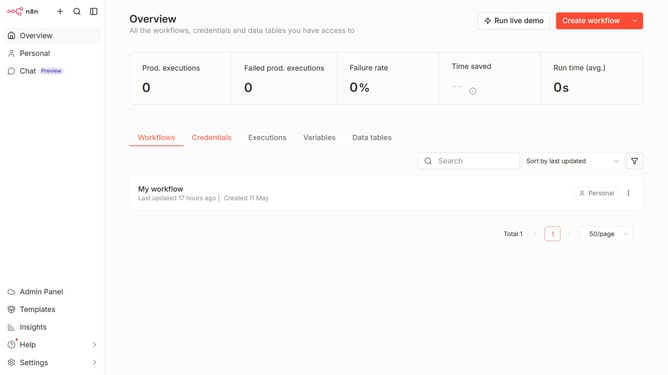
- First click on the dropdown arrow next to "Create workflow" button
- Then click on "Create credential" button
- After that click on the "Search for app..." input field
- Next, type "SIGNL4" into the search field and click on the "SIGNL4: Webhook" option
- Then click on the "Continue" button
- After that, fill in the "Team Secret" input field
- Finally click on the "Save" button
Why should you create SIGNL4 Webhook credential in n8n
n8n is a powerful automation tool that connects various apps and services to streamline workflows.
Creating a SIGNL4 Webhook credential in n8n enhances your ability to integrate efficient alert notifications with your automated workflows. This feature bridges n8n's capabilities with SIGNL4’s alerting service, offering seamless notifications directly to your team where immediate attention is needed.
Utilizing SIGNL4 Webhook credentials within n8n not only increases the responsiveness of operations but also ensures timely intervention, thus minimizing downtime and optimizing productivity across your processes.
Last update