How to create Google Gemini(PaLM) API credential in n8n
Here is how to create google gemini(palm) api credential in n8n
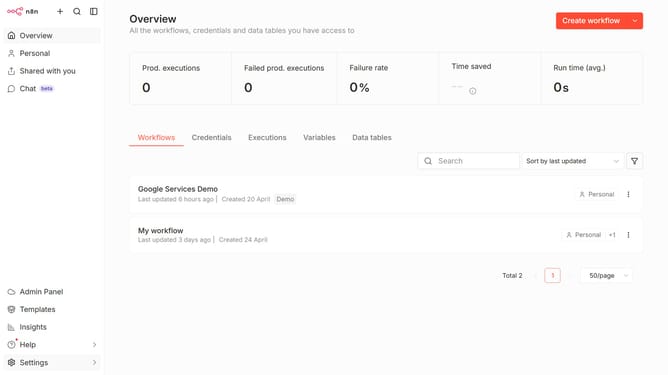
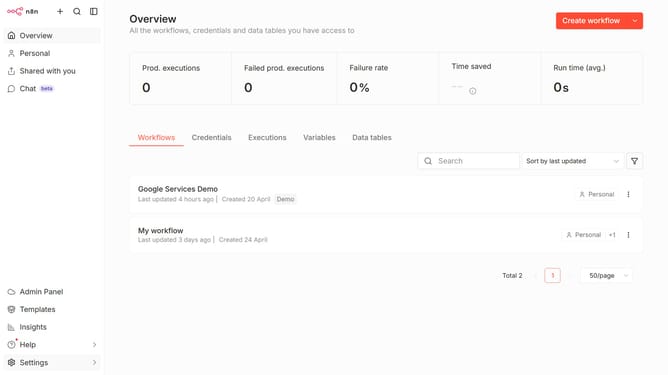
- First click on the dropdown arrow next to "Create workflow" button
- Then click on "Create credential" option
- Then click on the "Search for app..." input field and enter "google gemini"
- Next click on the "Google Gemini(PaLM) Api" option
- Then click on the "Continue" button
- Then fill in the "API Key *" input field
- Finally click on the "Save" button
Why should you create Google Gemini(PaLM) API credential in n8n
n8n is a dynamic workflow automation tool designed to seamlessly connect various apps and services with ease.
By creating Google Gemini (PaLM) API credentials in n8n, you're tapping into a robust network of automated processes. This feature empowers users to integrate Google's advanced AI capabilities effortlessly, paving the way for innovation.
Utilizing these credentials in n8n not only streamlines complex tasks but also enhances productivity by ensuring efficient data handling and intelligent processing in your automated workflows.
Last update