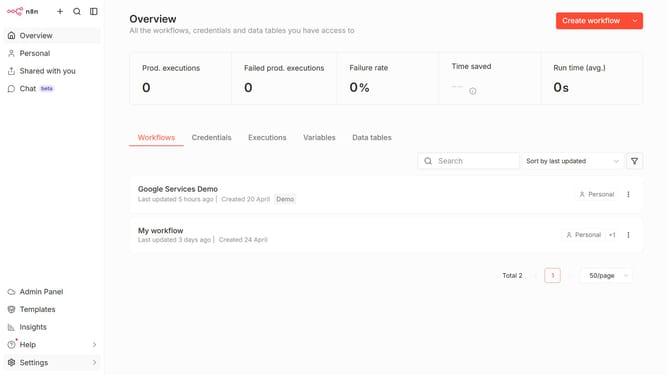
How to configure context window size for OpenRouter chat provider in n8n
Here is how to configure context window size for openrouter chat provider in n8n
- First click on "Settings" item in the left sidebar
- Then click on "Chat" item in the left sidebar menu
- Click on the "three dots" icon
- Then click on "Edit provider" button
- Change the value in the "Context window (messages)" input field to the desired amount
- Finally click on the "Confirm" button
Why should you configure context window size for OpenRouter chat provider in n8n
n8n is an open-source workflow automation tool designed to connect different apps and services effectively.
Configuring the context window size for the OpenRouter chat provider in n8n allows for precise message management and streamlined conversations. By adjusting this parameter, users can control the span of conversation history retained, which optimizes performance and enhances resource efficiency.
This feature empowers users to tailor their communication environment, ensuring each chat interaction is both relevant and efficient. Ultimately, the ability to customize this setting aids in creating a more responsive and organized communication framework, benefiting both user experience and operational effectiveness.
Last update