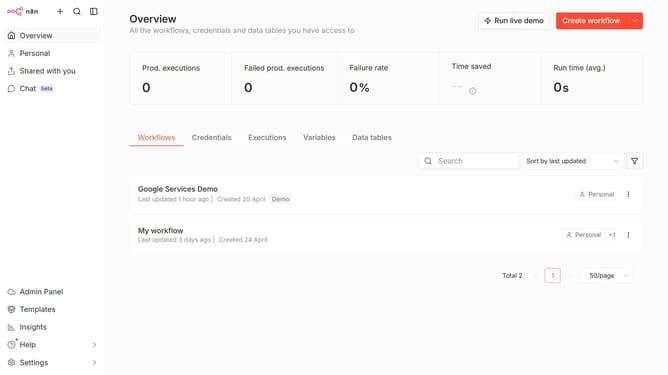
How to archive a workflow in n8n
Here is how to archive a workflow in n8n
- First click on the three dots icon of the workflow that you want to archive
- Then select "Archive" from the dropdown menu in the main content area
Why should you archive a workflow in n8n
n8n is a powerful and versatile automation tool designed to streamline workflows effortlessly.
Archiving a workflow in n8n is an invaluable feature that helps you maintain an organized workspace by separating active projects from those that are no longer in use.
Utilizing this feature ensures that your workflows are neatly cataloged, which enhances focus and boosts productivity.
Moreover, it allows for easy retrieval and reference whenever needed, ensuring that nothing important is ever truly out of reach.
Last update