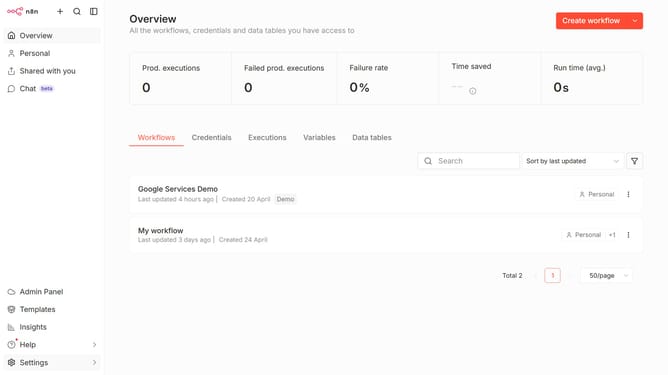
How to create Demio API credential in n8n
Here is how to create demio api credential in n8n
- First click on the dropdown arrow next to "Create workflow" button
- Then click on "Create credential" button
- Next, in the opened modal, click on the "Search for app..." input field
- After that, type "demio" into the search field and click on "Demio API" option
- Then click on the "Continue" button
- Next, in the "Demio account" modal, click on the "API Key" input field to enter your API key
- Finally click on the "Save" button
Why should you create Demio API credential in n8n
n8n is a dynamic workflow automation tool designed to seamlessly integrate various services and applications.
Creating Demio API credentials in n8n enhances its capacity to manage powerful integrations with Demio, a platform for organizing webinars. This process facilitates the secure sharing of information between systems, allowing automated workflows that streamline event management and user engagement.
This feature is especially beneficial as it ensures efficiency and reduces manual efforts, ultimately leading to more effective and productive use of time and resources.
Last update