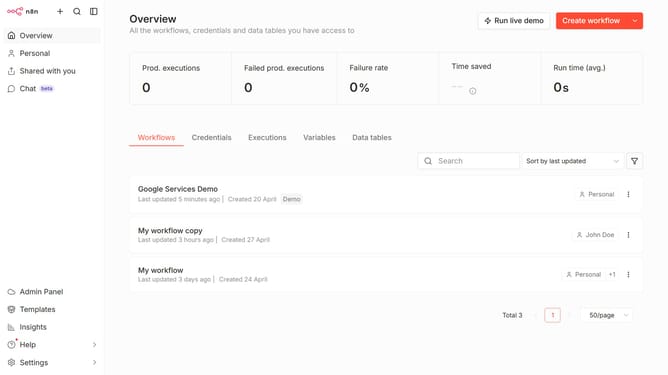
How to create DFIR-IRIS API credential in n8n
Here is how to create dfir-iris api credential in n8n
- First click on the dropdown arrow next to "Create workflow" button
- Then click on "Create credential" button
- Next click on the "Search for app..." input field
- After that type "dfir" into the search input and click on "DFIR-IRIS API"
- Then click on the "Continue" button
- Next enter the necessary information for your new credential
- Finally click on the "Save" button
Why should you create DFIR-IRIS API credential in n8n
n8n is a powerful workflow automation tool designed to simplify and enhance data management across platforms.
Creating DFIR-IRIS API credentials in n8n unlocks a seamless connection to Digital Forensics and Incident Response (DFIR) tools.
This feature enhances your incident response capabilities by allowing automated data exchanges and streamlined communication with DFIR systems.
Beyond improving efficiency, it ensures stronger monitoring and swift action during cybersecurity events.
Last update