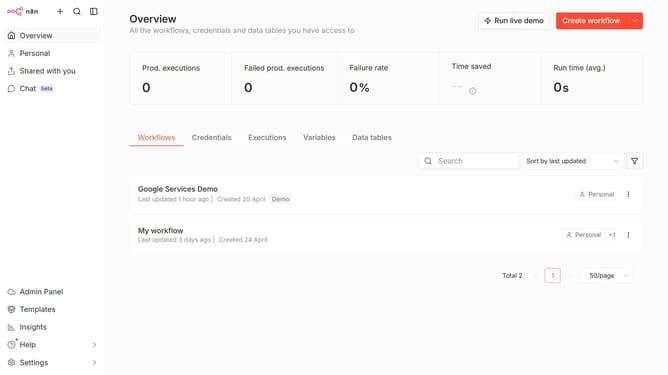
How to limit Mistral Cloud chat provider models in n8n
Here is how to limit mistral cloud chat provider models in n8n
- First click on "Settings" item in the left sidebar.
- Then click on the "Chat Preview" item in the left sidebar.
- Then click on the ellipsis button to open the menu for the current provider.
- Then click on the "Edit provider" button.
- Then enable the toggle for "Limit models".
- Then click on the "Select a model" dropdown to open the list of models.
- Then select your preferred models from the list of models.
- Finally click on the "Confirm" button.
Why should you limit Mistral Cloud chat provider models in n8n
n8n is a powerful automation tool that connects various applications to streamline workflow processes.
One of its standout features is the ability to limit Mistral Cloud chat provider models, providing users control over their automation environment.
This capability ensures optimal resource management and enhances security by restricting access to specific chat functionalities.
Ultimately, it aligns perfectly with users' customization needs, allowing for a more tailored and efficient operational setup.
Last update