How to create Qdrant API credential in n8n
Here is how to create qdrant api credential in n8n
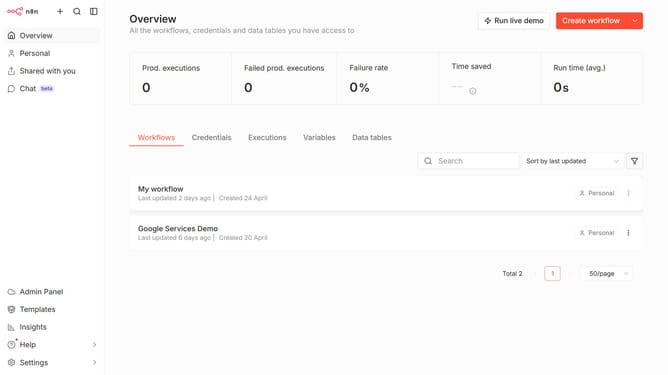
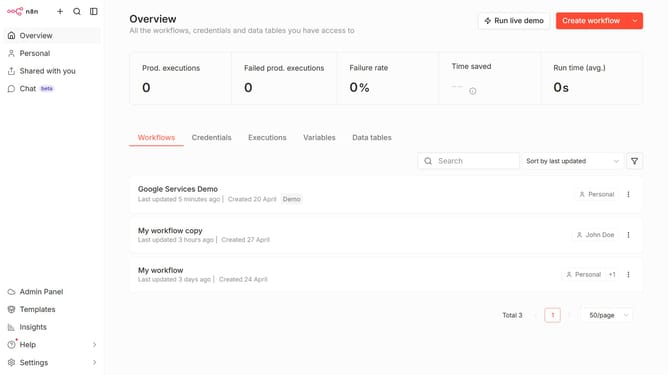
- First click on the dropdown arrow next to 'Create workflow' button
- Then click on 'Create credential' button
- After that, click on the search bar and enter 'Qdrant'
- Next, click on 'Qdrant API' item
- Then click on the 'Continue' button
- Next, fill in the required credential details
- Finally click on the 'Save' button
Why should you create Qdrant API credential in n8n
n8n is an automation platform designed to streamline workflows effortlessly.
By creating Qdrant API credentials in n8n, users can seamlessly integrate cutting-edge vector similarity search into their automated processes.
This feature is invaluable as it simplifies access to Qdrant's powerful search capabilities, enhancing data handling efficiency.
Leveraging this integration, businesses can boost performance and innovation without added complexity.
Last update