How to create The Hive API credential in n8n
Here is how to create the hive api credential in n8n
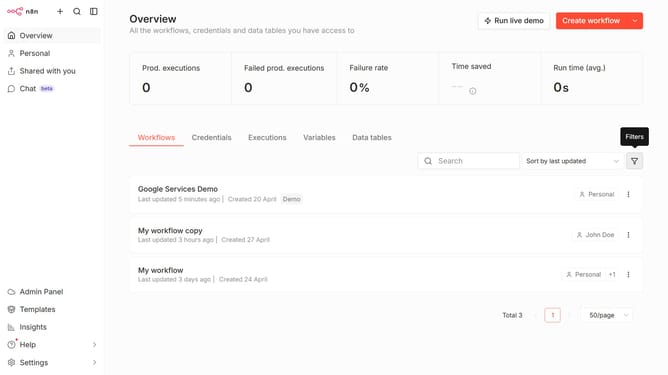
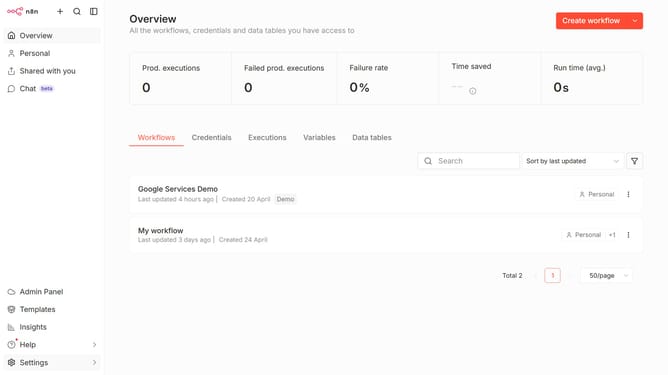
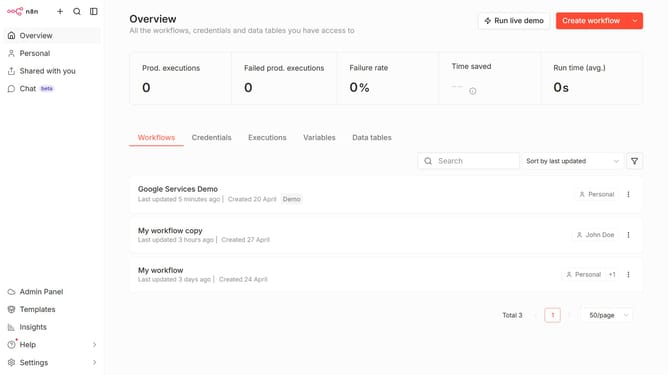
- First click on the "Create workflow" button with dropdown in the header
- Then click on "Create credential" from the opened dropdown menu
- Next, in the "Add new credential" dialog, click on the "Search for app..." input field
- After that, type "Hive" into the search input and click on "The Hive API"
- Then click on the "Continue" button
- Next, fill in the credential details
- Finally, click on the "Save" button
Why should you create The Hive API credential in n8n
n8n is a versatile automation tool that connects various apps and services seamlessly.
Creating The Hive API credentials in n8n enhances your automation capabilities by allowing secure communication with The Hive's platforms.
This integration streamlines workflows by embedding hive functionalities, enriching your data-processing tasks.
Using these credentials promotes efficiency and robust connection stability, crucial for any professional dealing with multiple APIs on a regular basis.
Last update