How to create JWT Auth credential in n8n
Here is how to create jwt auth credential in n8n
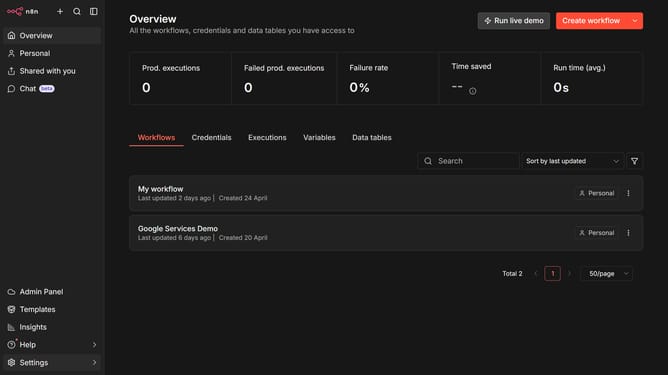
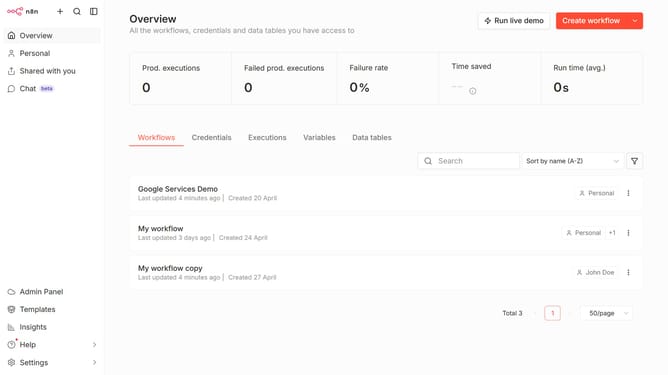
- First click on the dropdown arrow next to "Create workflow" button
- Then click on "Create credential" button
- Click on the "Search for app..." input field
- Type "jwt" into the search field and click on "JWT Auth" option
- Then click on the "Continue" button
- Enter your Secret key in the "Secret" input field
- Finally click on the "Save" button
Why should you create JWT Auth credential in n8n
n8n is an extendable workflow automation tool designed to connect different apps and automate repetitive tasks seamlessly.
Creating a JWT Auth credential in n8n is a key feature that enhances secure communication between services, ensuring data is exchanged safely without the need for frequent logins.
This credential setup allows users to authenticate requests effortlessly, providing efficiency by reducing overheads while maintaining a high security standard.
With JWT Auth in n8n, users can streamline their workflows with peace of mind, knowing their exchanges are secured and optimized.
Last update