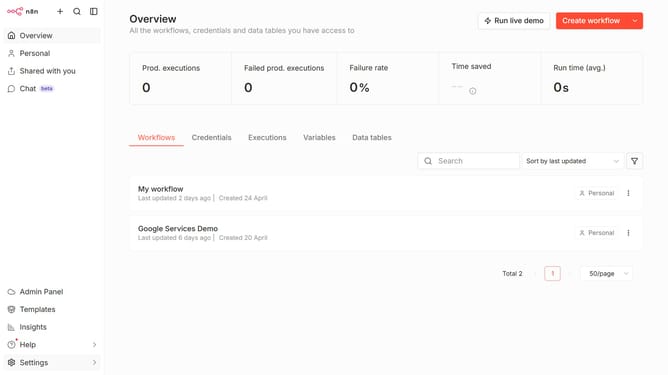
How to set default Groq chat provider credential in n8n
Here is how to set default groq chat provider credential in n8n
- First click on "Settings" item in the left sidebar
- Then click on "Chat" option from the dropdown menu
- Then click on the three vertical dots next to the item
- Next, click on "Edit provider" button
- Then click on the "Default credential" dropdown
- Then select the preferred credential from the dropdown menu
- Finally click on the "Confirm" button
Why should you set default Groq chat provider credential in n8n
n8n is a powerful workflow automation tool designed to simplify complex processes.
Setting the default Groq chat provider credential in n8n allows users to streamline communication workflows effortlessly.
This feature enhances automation by providing a seamless integration point for messaging, ensuring reliable and consistent communication.
By efficiently setting credentials, users save time and avoid the hassle of repeatedly inputting login details, paving the way for a smoother, more cohesive experience.
Last update