How to change email in n8n
Here is how to change email in n8n
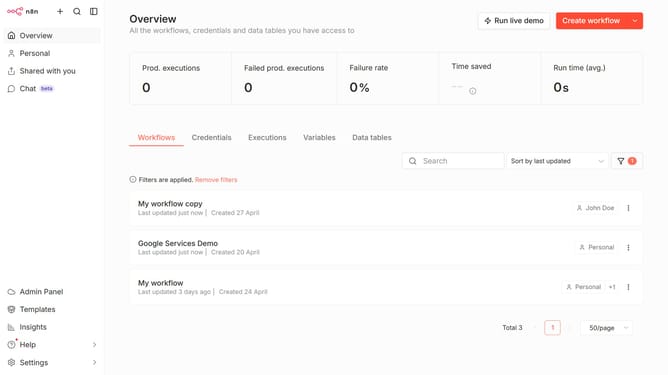
- First click on "Settings" button in the left sidebar
- Then click on "Personal" item in the left sidebar
- Then click on the "Email" input field and enter your new email
- Finally click on the "Save" button
Why should you change email in n8n
n8n is a versatile workflow automation tool designed to streamline processes across various platforms with ease.
Changing an email in n8n is a simple yet essential feature that enhances user flexibility and account management. This capability ensures that users can update their contact information to stay connected and receive critical updates seamlessly.
Synchronizing your correct email helps maintain uninterrupted communication and access to your workflows, making your automation efforts more efficient and effective.
Taking advantage of such features solidifies n8n's role in providing adaptable and user-friendly automation solutions.
Last update