How to create Snowflake credential in n8n
Here is how to create snowflake credential in n8n
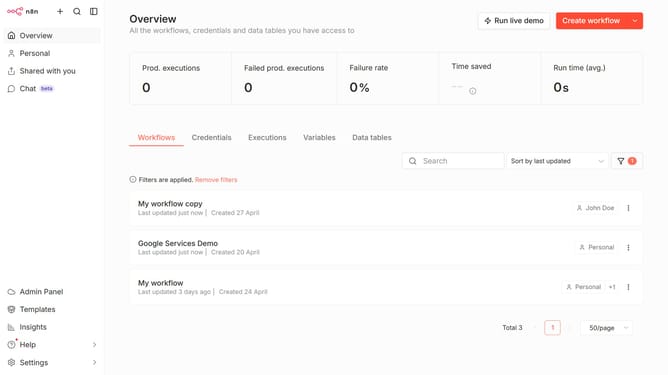
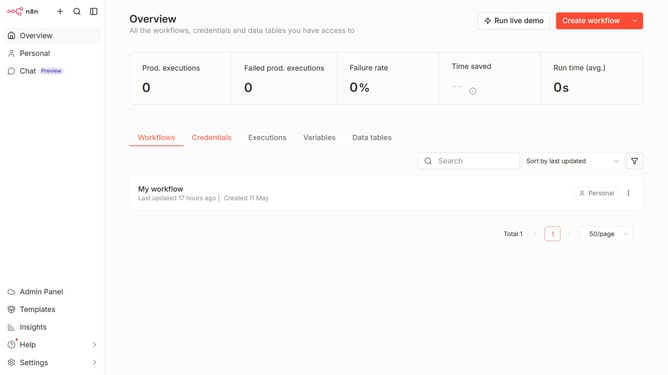
- First click on the dropdown arrow next to "Create workflow" button
- Then click on "Create credential" button
- Next click on the "Search for app..." input field
- Then type "Snowflake" into the search input and click the "Snowflake" suggestion
- After that, click on the "Continue" button
- Then fill in the credential details
- Finally click on the "Save" button
Why should you create Snowflake credential in n8n
n8n is a versatile automation platform that empowers users to connect various applications through seamless workflows.
Creating Snowflake credentials in n8n is an effortless way to integrate and manage your data-driven processes efficiently. This feature simplifies the interaction with Snowflake, a powerful cloud data platform, enabling users to streamline data operations directly within their workflows.
Using Snowflake credentials in n8n enhances data accessibility and security and empowers businesses to automate their processes with confidence and precision.
Last update