How to limit OpenAI models in n8n
Here is how to limit openai models in n8n
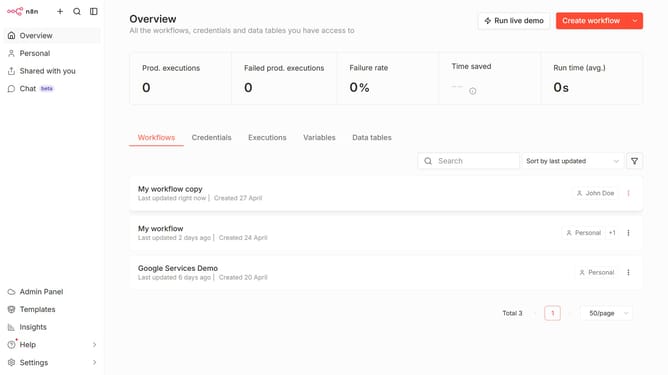
- First, click on the "Settings" link in the sidebar.
- Then, click on the "Chat" option in the sidebar menu.
- Next, click on the three dots menu icon next to the provider.
- After that, click on the "Edit provider" button.
- Click on the toggle switch for "Limit models" in the Configure OpenAI dialog.
- Then, click on the "Select a model" dropdown.
- Next choose the models you want to allow or limit.
- Finally click the "Confirm" button to save the changes.
Why should you limit OpenAI models in n8n
n8n is a versatile workflow automation tool that integrates various services seamlessly.
Limiting OpenAI models in n8n allows you to control which AI capabilities are accessible and ensure processes align with your specific needs. By configuring these limits, you can enhance workflow efficiency and maintain data security.
This feature ensures that your automation remains focused and resource allocation is optimized, reflecting a smarter and more customized operational approach. Ultimately, it elevates the impact and precision of your automated processes.
Last update