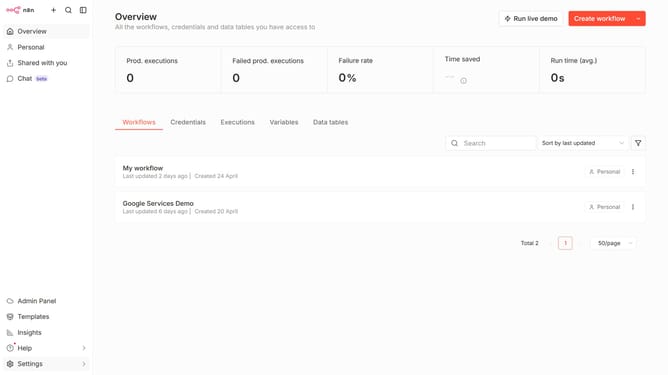
How to create The Hive 5 API credential in n8n
Here is how to create the hive 5 api credential in n8n
- First click on the dropdown arrow next to "Create workflow" in the header
- Then click on "Create credential" to open the credential creation dialog
- After that, click on the "Search for app..." input field
- Next, type "Hive" into the search input and click on "The Hive 5 API" from the list
- Then click on the "Continue" button
- After that, fill in the credential details
- Finally click on the "Save" button
Why should you create The Hive 5 API credential in n8n
n8n is a powerful, extendable workflow automation tool that connects various apps and services seamlessly.
Creating The Hive 5 API credential in n8n is a straightforward process that enhances security and efficiency when managing automated workflows.
By integrating The Hive 5, users benefit from streamlined processes that save time and reduce errors, allowing for more focus on impactful tasks.
Not only does this feature enhance productivity, but it also ensures a secure connection between platforms, making sure your data transactions remain safe and reliable.
Last update