How to create Elasticsearch API credential in n8n
Here is how to create elasticsearch api credential in n8n
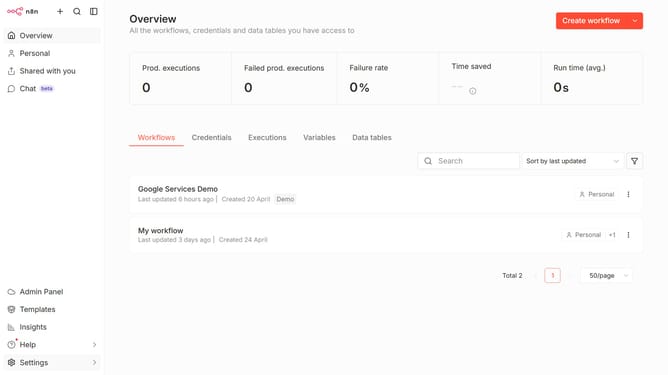
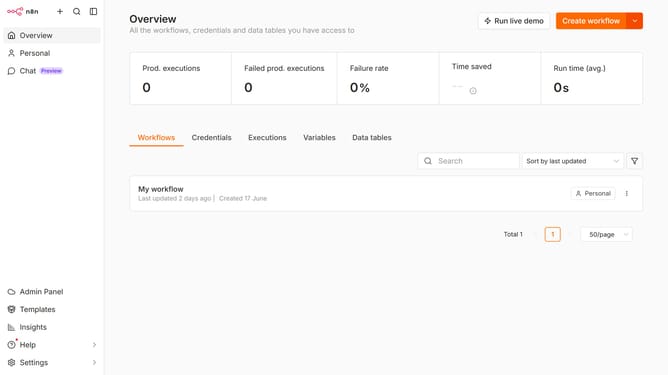
- First click on the dropdown arrow next to "Create workflow" button in the top menu.
- Then click on "Create credential" button in the dropdown menu.
- Next click on the "Search for app..." input field in the "Add new credential" modal.
- Then type "elastic" into the search field and select "Elasticsearch API" from the list.
- After that click on the "Continue" button.
- Then fill in the necessary input fields.
- Finally click on the "Save" button in the top right corner of the form.
Why should you create Elasticsearch API credential in n8n
n8n is a powerful workflow automation tool that allows seamless integration across various platforms.
Creating Elasticsearch API credentials in n8n enhances the connectivity between n8n tasks and Elasticsearch services. This feature empowers users to automate data indexing and querying, increasing efficiency in data management workflows.
By setting up these credentials, users can ensure secure and streamlined access to Elasticsearch. This integration fosters productivity by reducing manual data handling, thus enabling teams to focus on more strategic activities that drive growth.
Last update