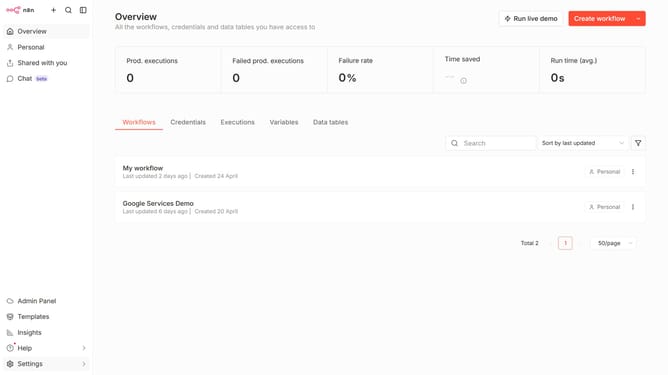
How to rename a column in a data table in n8n
Here is how to rename a column in a data table in n8n
- First click on "Personal" item in the sidebar.
- Then click on "Data tables" button.
- Then click the data table that you want to edit.
- Then click on the three dots icon of the column header.
- Then click on "Rename column" option.
- Finally type in the new name of your column header and press enter.
Why should you rename a column in a data table in n8n
n8n is a versatile workflow automation tool designed to streamline complex tasks across applications.
One of its notable features is the ability to rename columns in a data table effortlessly. By allowing users to customize column headers, n8n ensures data is organized and meaningful, enhancing both clarity and accessibility.
This functionality is particularly beneficial for maintaining consistent data structure, which supports efficient data analysis and communication. With n8n's intuitive interface, users can swiftly adapt their workflows to specifically meet evolving needs.
Last update