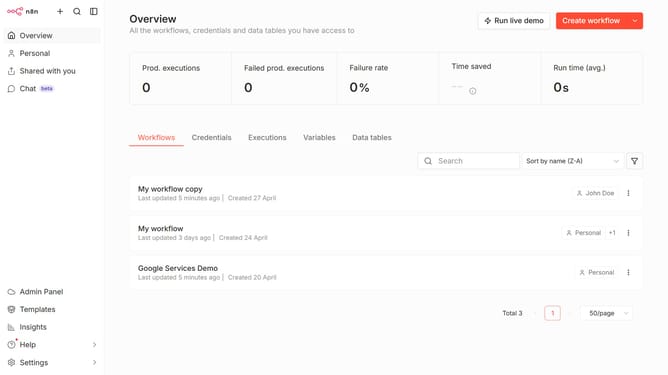
How to change password in n8n
Here is how to change password in n8n
- First click on "Settings" in the sidebar
- Then click on "Personal" in the sidebar
- Then click on "Change password" under the "Security" section
- Then click on the "Current password" input field and type your current password
- Then click on the "New password" input field and type your new password
- Then click on the "Re-enter new password" input field and enter your new password again
- Finally click on the "Change password" button
Why should you change password in n8n
n8n is a versatile workflow automation tool designed to streamline diverse digital processes.
The ability to change your password in n8n is a vital feature that enhances user security and ensures that your data and workflows remain protected.
This feature is beneficial as it allows users to regularly update their credentials, reinforcing their accounts against unauthorized access.
Overall, this boosts confidence in using n8n for sensitive or critical tasks by offering peace of mind through enhanced personal data control.
Last update