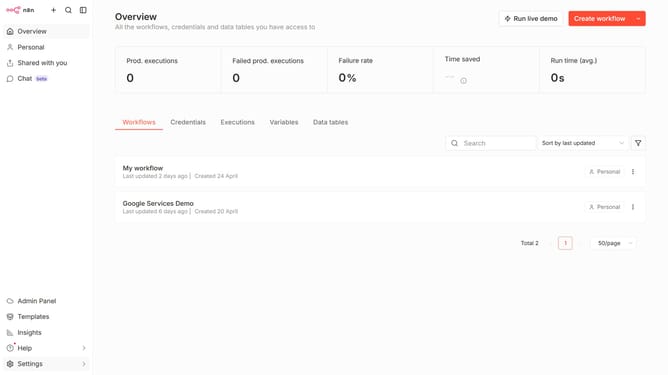
How to create Segment API credential in n8n
Here is how to create segment api credential in n8n
- First click on the dropdown arrow next to "Create workflow" button
- Then click on "Create credential" button
- Next type "Segment" in the search bar
- Then select "Segment API" from the list
- Next click on the "Continue" button
- Then fill in the "Write Key" input field
- Finally click on the "Save" button
Why should you create Segment API credential in n8n
n8n is an open-source workflow automation tool designed to connect different services and streamline complex processes.
Creating a Segment API credential in n8n unlocks the potential for seamless data integration and personalized customer interactions.
By setting up this credential, you enhance your ability to track user behavior, consolidate analytics data, and leverage targeted marketing strategies.
Harnessing this feature allows businesses to optimize user engagement and make data-driven decisions, ultimately driving growth and efficiency.
Last update