How to create Metabase API credential in n8n
Here is how to create metabase api credential in n8n
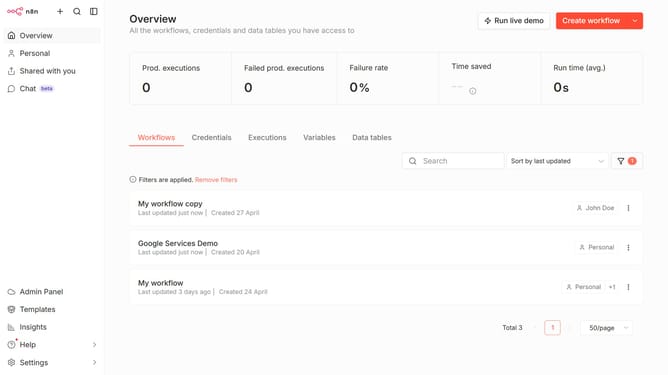
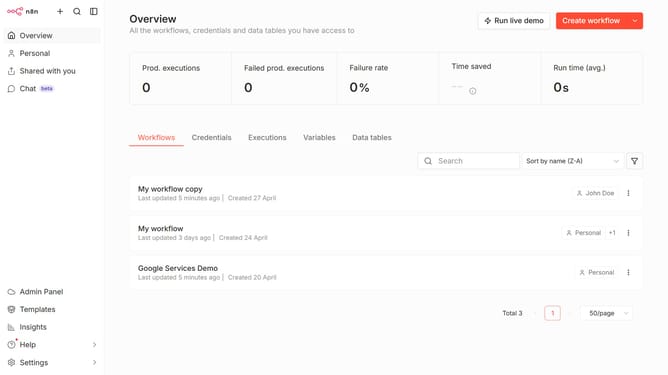
- First click on the dropdown arrow next to "Create workflow" button.
- Then click on "Create credential" button.
- Then click on "Search for app..." input field and enter "metabase".
- Then click on "Metabase API" option.
- Then click on "Continue" button.
- Then fill in the required credential details.
- Finally click on the "Save" button.
Why should you create Metabase API credential in n8n
n8n is a powerful automation tool designed to connect various applications to streamline workflows.
Creating a Metabase API credential in n8n allows for seamless integration with Metabase, enabling the extraction and manipulation of valuable business analytics.
This integration helps users automate data processes by securely linking Metabase with other apps, enhancing productivity and data-driven decision-making.
With API credentials set in n8n, users benefit from a reliable and efficient means of managing and analyzing data across platforms.
Last update