How to create Brave Search credential in n8n
Here is how to create brave search credential in n8n
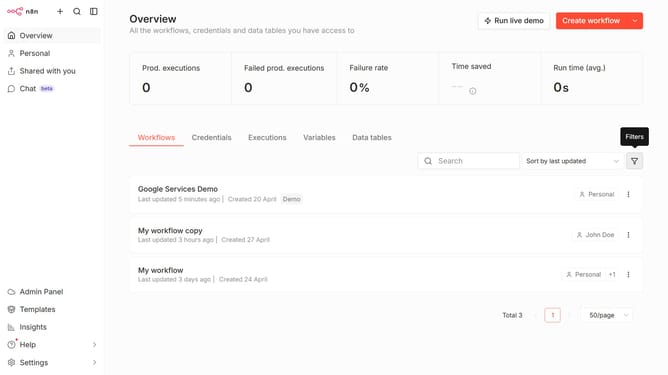
- First click on the dropdown arrow next to "Create workflow" button.
- Then click on "Create credential" button.
- Then select "Brave Search" from the list of applications.
- Then click on the "Continue" button.
- Then type in the input field your "API Key".
- Finally click on the "Save" button.
Why should you create Brave Search credential in n8n
n8n is an innovative workflow automation tool that connects different apps and services effortlessly.
Creating a Brave Search credential in n8n is a straightforward process that enables seamless integration with one of the most privacy-focused search engines available.
By establishing this credential, users can harness the power of Brave Search directly within their automated workflows, ensuring a streamlined and efficient way to manage and execute search queries.
This feature not only enhances productivity but also allows users to maintain their privacy-focused practices while leveraging the capabilities of n8n.
Last update