n8n
n8n is a workflow automation platform for technical teams to connect apps, APIs, and AI tools, automate complex workflows, and build integrations with the flexibility of code and the speed of no-code.
Website
Industry
Collaboration
Share this article:

How to create Invoice Ninja API credential in n8n

Here is how to create invoice ninja api credential in n8n

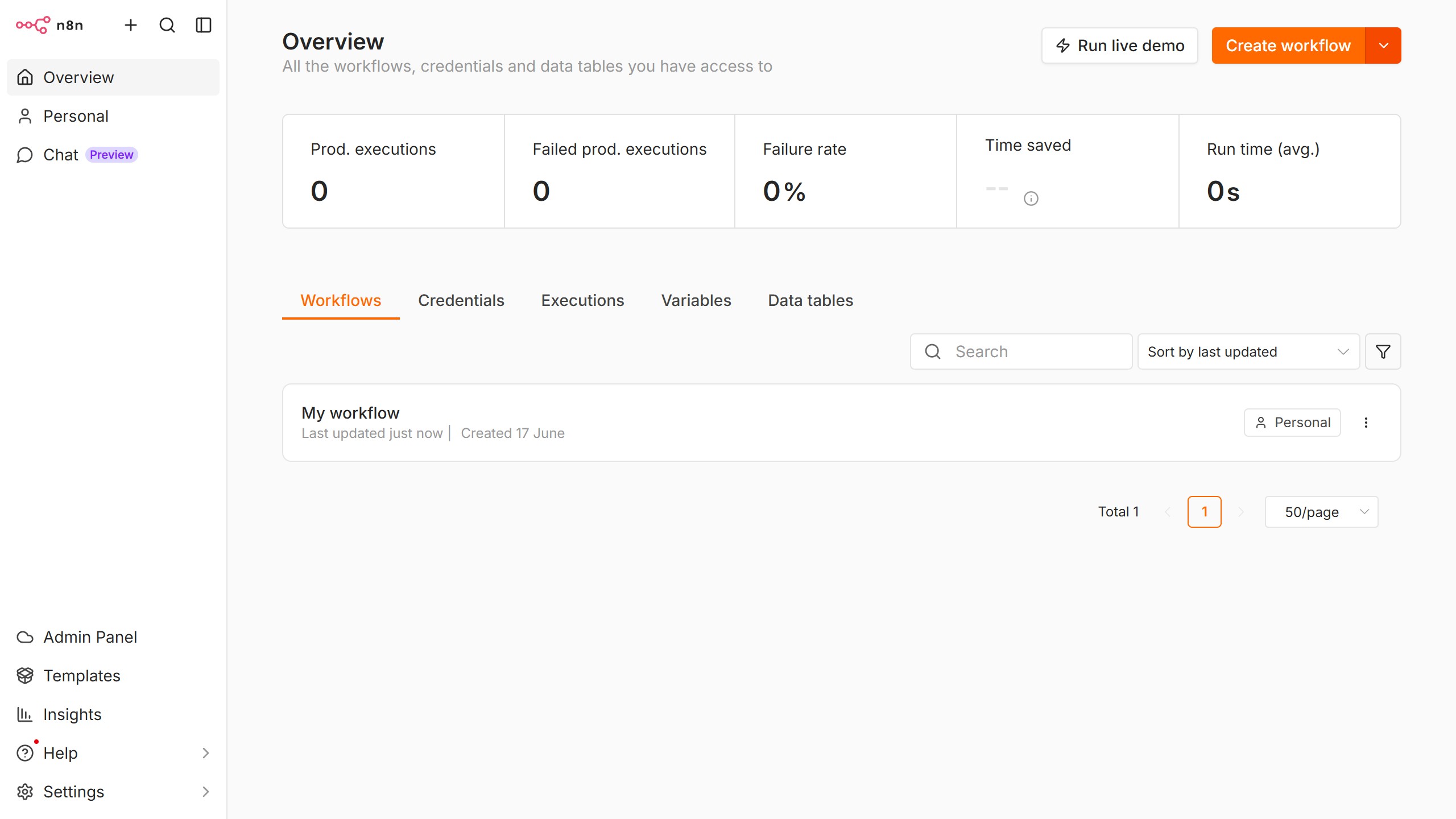
  1. First click on the dropdown arrow next to 'Create workflow' button
  2. Then click on 'Create credential' button
  3. Then click on the search input field and enter 'invoice'
  4. Then click on 'Invoice Ninja API' list item
  5. Then click on 'Continue' button
  6. Then fill in the necessary input fields for your credential
  7. Finally click on the 'Save' button

Create your own interactive guide with Guideflow

Why should you create Invoice Ninja API credential in n8n

n8n is a versatile workflow automation tool designed to simplify process integration across platforms.

By setting up Invoice Ninja API credentials in n8n, users can seamlessly connect Invoice Ninja to automate invoicing tasks with precision. This feature enables effortless data flow between systems, enhancing operational efficiency.

The advantage of using Invoice Ninja API credentials in n8n lies in its ability to reduce manual input, thereby minimizing errors and saving valuable time. Streamlined processes lead to increased productivity, allowing businesses to focus on growth.

Last update
June 10, 2026
Cursor MariaA cursor points to a button labeled "James."

Create your first demo in less than 30 seconds.