How to create Harvest API credential in n8n
Here is how to create harvest api credential in n8n
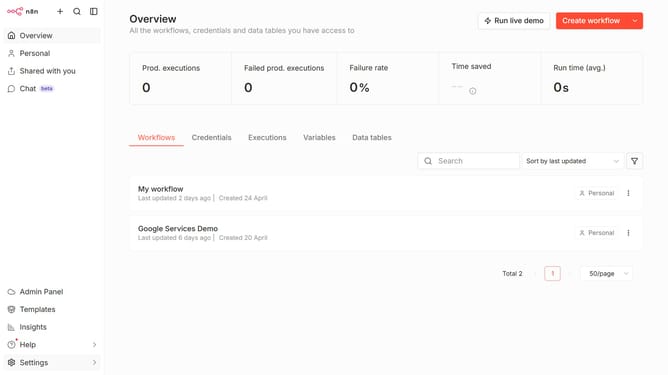
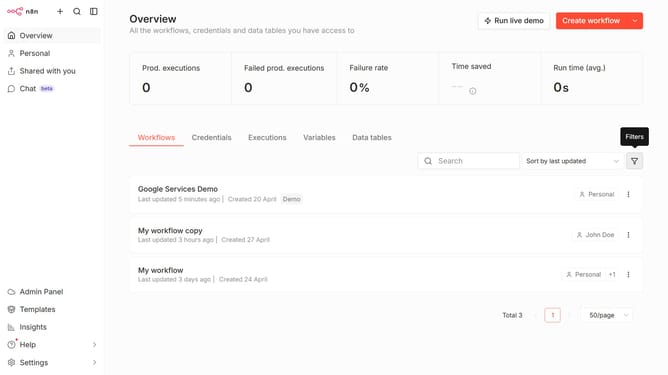
- First click on the dropdown arrow next to "Create workflow" button
- Then click on "Create credential" button
- In the modal window, click on the "Search for app..." input field and enter "harvest"
- Next, select "Harvest API" option from the dropdown list
- Then click on the "Continue" button
- After that, fill in the "Access Token" input field
- Finally click on the "Save" button
Why should you create Harvest API credential in n8n
n8n is a versatile automation tool designed to seamlessly connect your apps and streamline workflows.
Creating a Harvest API credential in n8n is a smart move to automate and integrate time tracking and invoicing effortlessly.
This functionality empowers businesses to link Harvest seamlessly with other applications, saving time and reducing manual error.
By utilizing this feature, users benefit from enhanced operational efficiency, streamlined data management, and improved productivity, making it an invaluable asset for dynamic workflow automation.
Last update