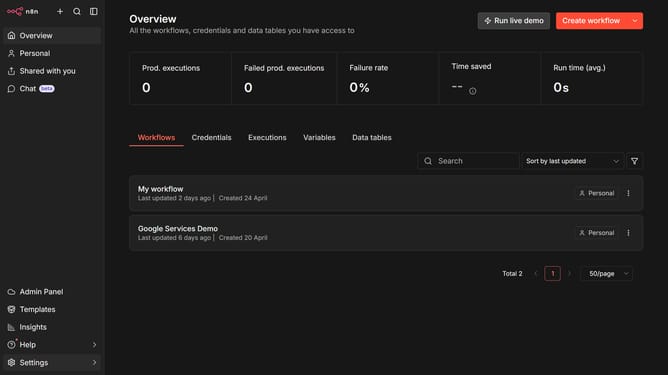
How to create Drift API credential in n8n
Here is how to create drift api credential in n8n
- First click on the dropdown arrow next to "Create workflow"
- Then click on "Create credential" option
- First click on the "Search for app..." input field
- Then type "drift" into the search field and select "Drift API"
- Then click on the "Continue" button
- Then click on the "Personal Access Token" input field and enter your personal access token
- Finally click on the "Save" button
Why should you create Drift API credential in n8n
n8n is a powerful automation tool that connects various apps and services for seamless workflows.
Creating a Drift API credential in n8n empowers users to integrate Drift’s conversational capabilities with ease.
This feature enhances your automation by allowing you to tap into Drift's robust chat functionalities seamlessly, driving more personalized interactions with customers.
With this integration, businesses can streamline communication tasks, improve efficiency, and deliver a better customer experience.
Last update