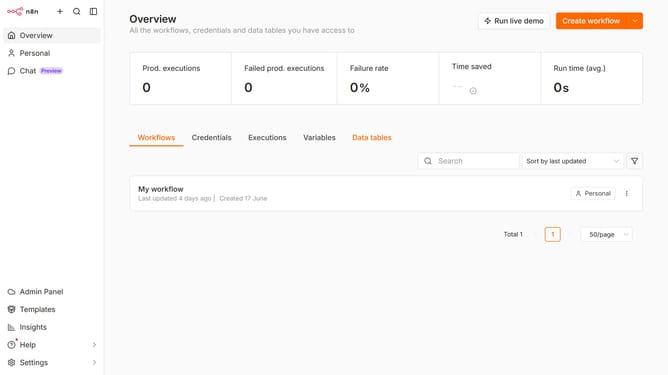
How to create Zammad Basic Auth API credential in n8n
Here is how to create zammad basic auth api credential in n8n
- First click on the dropdown arrow next to "Create workflow" button
- Then click on "Create credential" button
- Then click on the search input field and enter "Zammad"
- Then click on "Zammad Basic Auth API" option
- Then click on "Continue" button
- Then fill in the required credential details
- Finally click on "Save" button
Why should you create Zammad Basic Auth API credential in n8n
n8n is a powerful workflow automation tool designed to interconnect your digital processes seamlessly.
Creating Zammad Basic Auth API credentials in n8n enhances your automation capabilities by securely connecting your Zammad ticketing system with other applications.
This feature allows you to authenticate effectively, ensuring data flows consistently and without interruptions, while maintaining a high level of security.
Utilizing Zammad with n8n streamlines your communication processes, ensuring productivity and efficiency with minimal manual intervention.
Last update