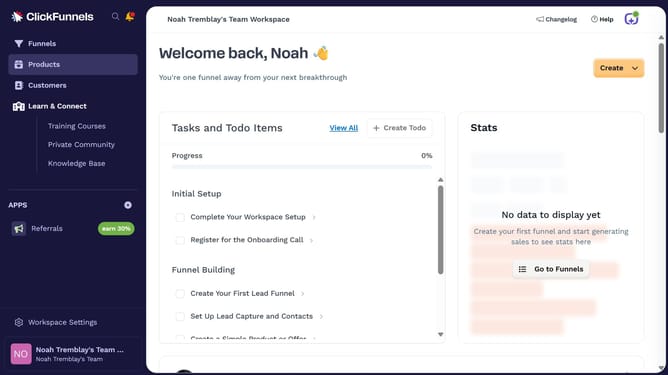
How to create a funnel in ClickFunnels
Here is how to create a funnel in clickfunnels
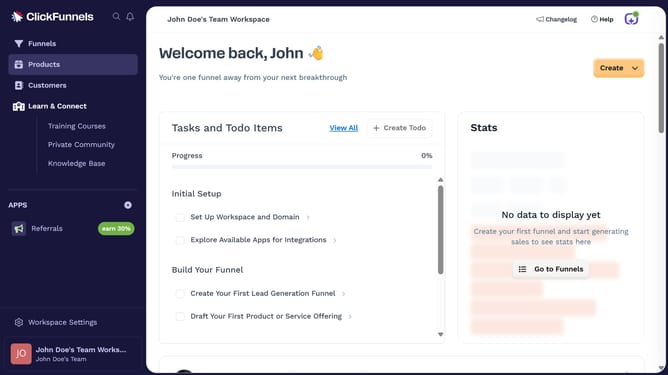
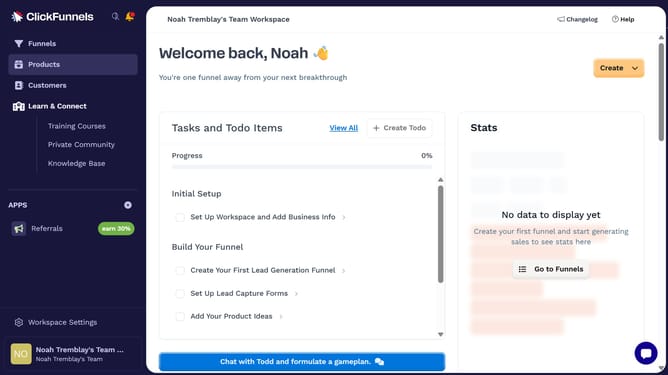
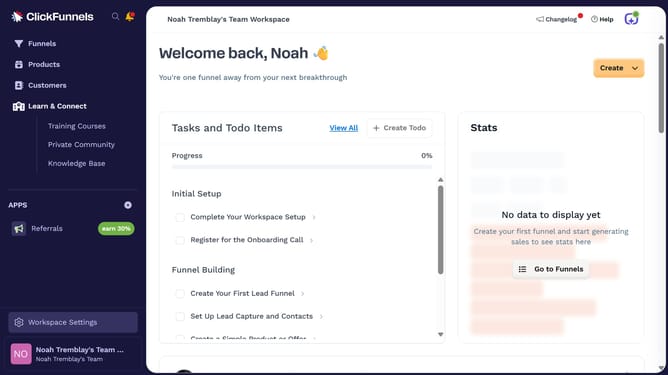
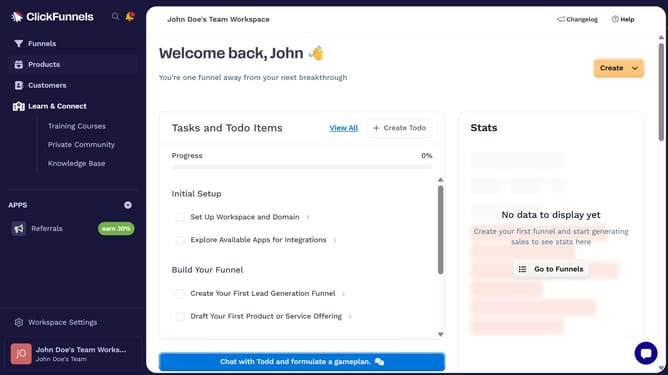
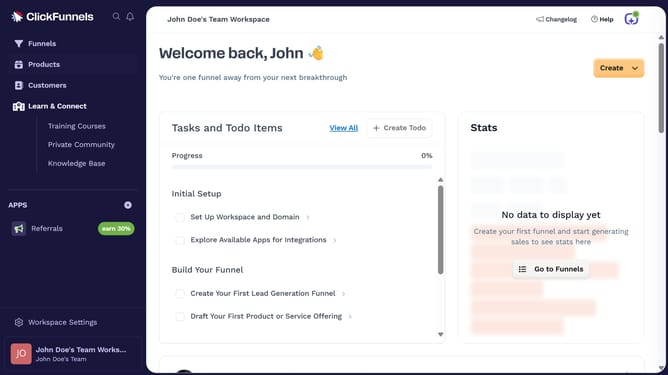
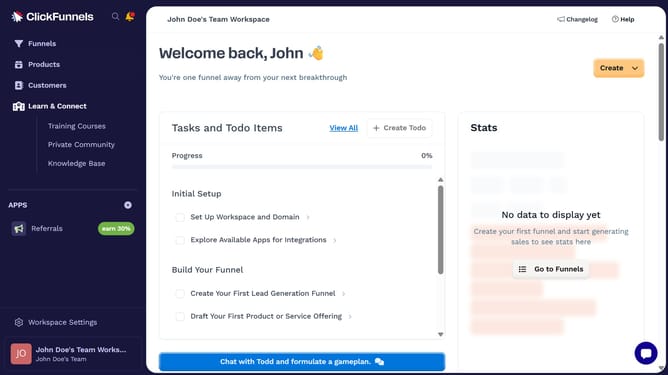
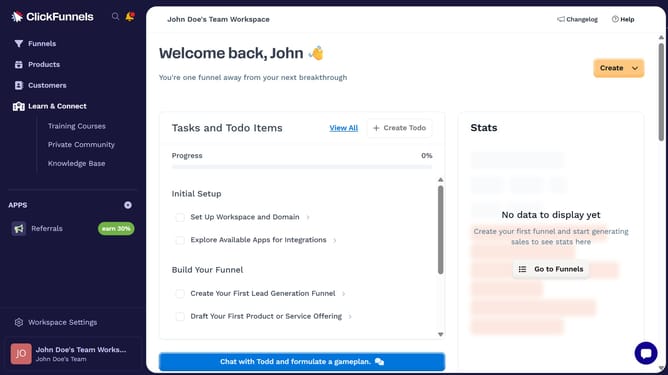
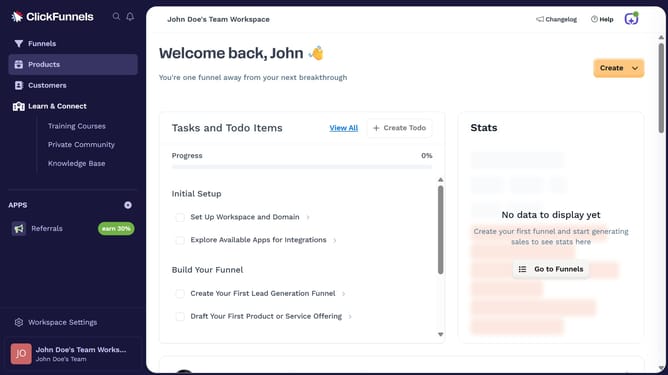
- First click on the "Funnels" option in the left sidebar navigation menu
- Then click on the "Create Funnel" button in the main content area
- Next choose whether to start from scratch or use one of the available templates
- Then click the name field to enter your funnel name
- Finally click the "Create Funnel" button to build your new funnel
Why should you create a funnel in ClickFunnels
ClickFunnels is an intuitive platform designed to streamline the process of building marketing funnels that convert.
Creating a funnel in ClickFunnels is an efficient way to guide potential customers through the buying journey.
This feature is ideal for simplifying lead generation, automating sales processes, and maximizing conversions.
By utilizing seamless integrations and customizable templates, building effective funnels becomes quick and straightforward, enhancing your business outreach significantly.
Last update