How to connect an existing goal to another goal in Asana
Here is how to connect an existing goal to another goal in asana
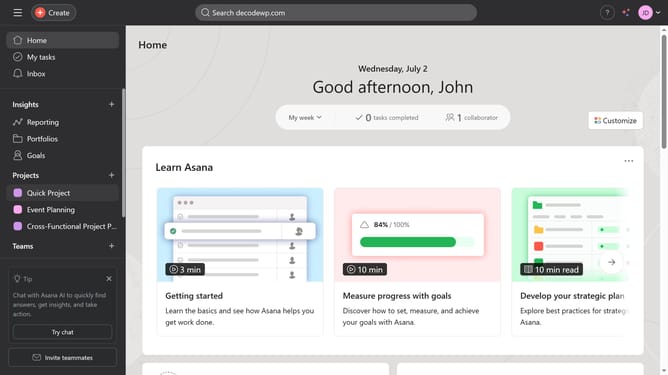
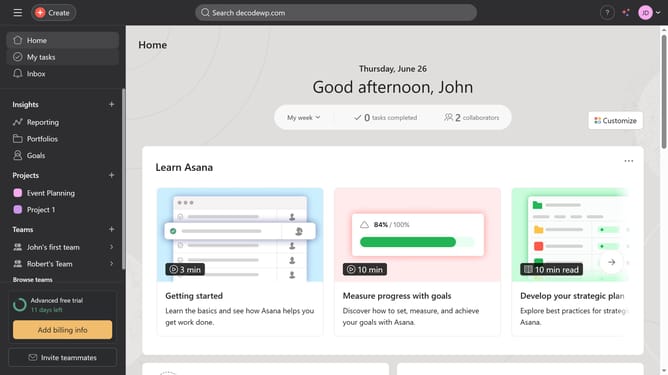
- First click on the "Goals" item in the left sidebar
- Then click the goal you want to link another goal to in the main content area
- Scroll down
- Then click on "Add a sub-goal" link in the sub-goals section
- Next click "Connect existing goal" in the sub-goals dropdown menu
- Finally type the name of the goal in the input text field and hit enter on your keyboard or select the goal you want to connect from the suggested menu
Why should you connect an existing goal to another goal in Asana
Asana is a versatile platform designed to streamline team collaboration and project management.
Connecting existing goals to another goal in Asana enhances strategic alignment and ensures that every action contributes to the bigger picture. By linking goals, teams can maintain focus and clarity, eliminating silos and promoting a cohesive work environment.
This interconnectedness fosters transparency, as it lets all stakeholders see the broader impact of their efforts, boosting motivation and productivity.
Last update