How to check subdomain performance in Semrush
Here is how to check subdomain performance in semrush
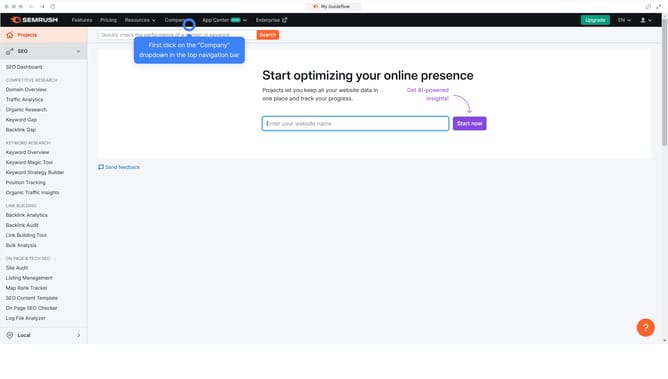
- First click on the "SEO" tab in the main navigation menu
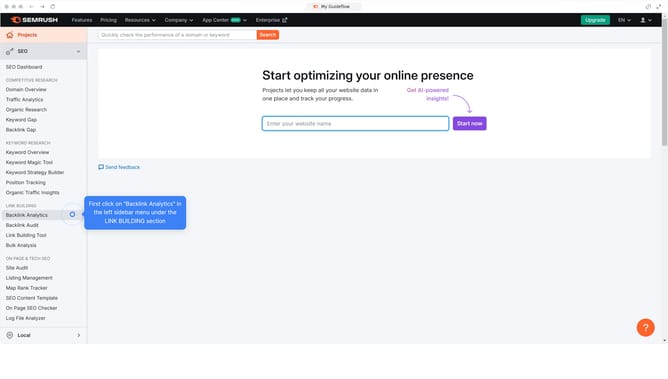
- In the left-hand sidebar, click "Organic Research" under the "Competitive Research" section
- Enter your domain in the domain input field
- Click "Search" to open the Organic Research report
- In the "Overview" tab, review key metrics like organic traffic, traffic cost, and keyword count
Why should you check subdomain performance in Semrush
Semrush is a comprehensive tool designed to enhance your digital marketing strategies by providing in-depth analytics.
Understanding subdomain performance in Semrush transforms how you view your site's segmented sections. This feature enables users to gain insights into individual subdomains, helping to tailor strategies effectively.
By evaluating subdomain metrics, you can optimize resource allocation, targeting areas with potential for growth. This promotes informed decision-making and increases the effectiveness of your SEO campaigns. Embracing this functionality ensures a more refined control over your digital presence.
Last update