How to change location in SEMrush position tracking?
Here is how to change location in semrush position tracking
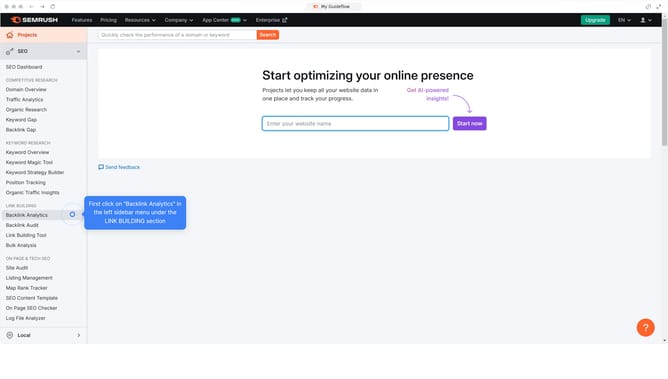
- First click on "Position Tracking" in the left sidebar menu under SEO section
- Then click on the location in the position tracking view
- Next click on the gear icon in the top-right corner of the position tracking interface
- In the next view, click on "Tracking *domain name*" text in the top-right section
- Then click on the location field in the targeting modal window and choose a different location
- Next click on "Save changes" button at the bottom of the targeting modal
- Finally click on "Change target and clear history" button in the confirmation popup
Why should you change location in SEMrush position tracking?
SEMrush is a powerful tool designed to enhance your digital marketing strategies through comprehensive SEO analysis.
One of the standout features of SEMrush is its ability to track keyword positioning with precision. Changing the location in SEMrush position tracking allows users to tailor their SEO insights to specific geographic regions. This flexibility is key for businesses aiming to optimize their presence in local markets, gaining valuable insights tailored to different audiences around the globe.
This feature not only helps understand regional competition but also aids in adjusting strategies to suit specific market dynamics, thereby maximizing reach and relevance.
Last update