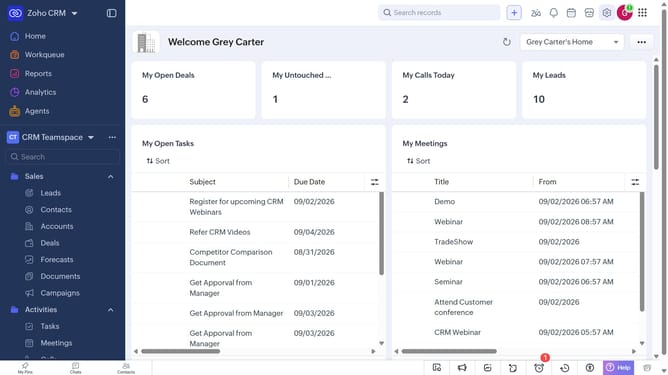
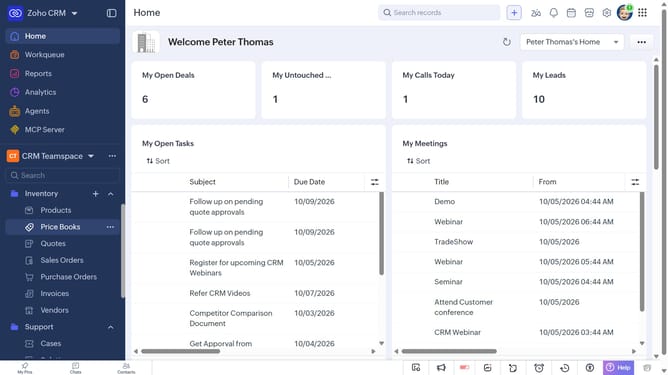
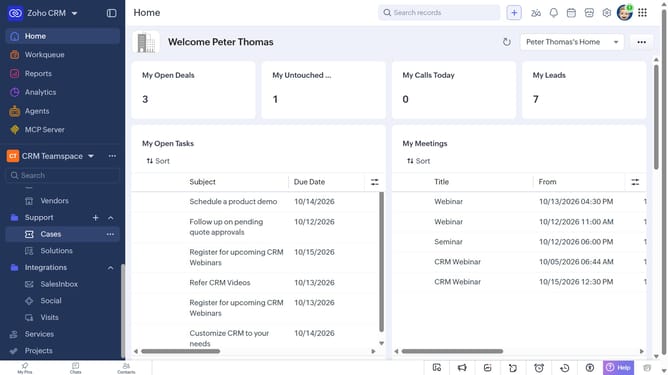
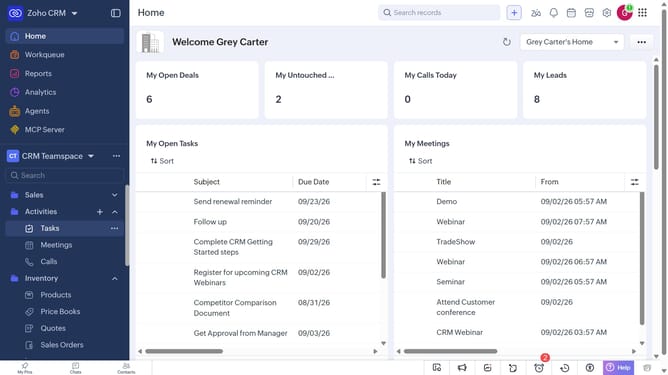
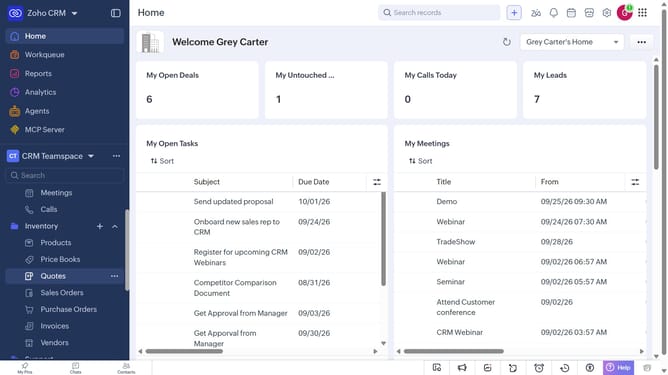
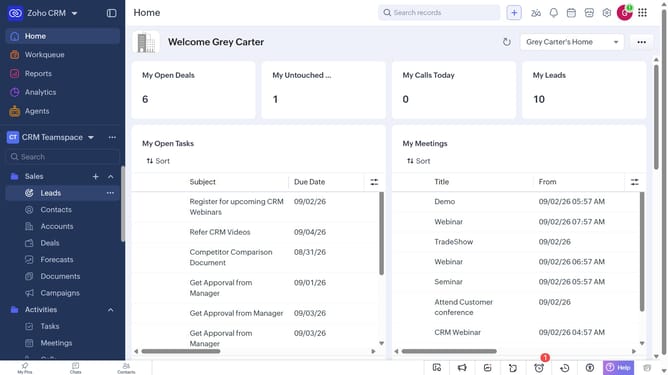
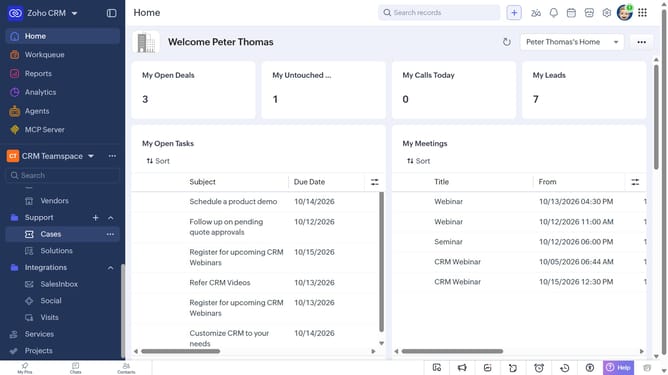
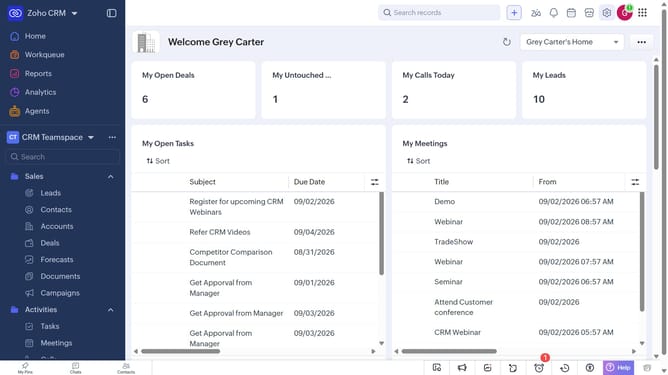
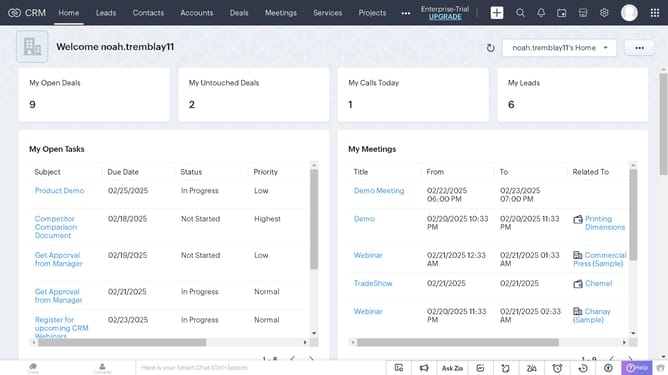
How to change the theme color to Dazzling Blue on Zoho CRM
Here is how to change the theme color to dazzling blue on zoho crm
- First click on your avatar profile in the top right corner
- Next locate the "Themes" section
- Then, select your preferred theme option (Dark or Lite)
- Finally, select "Dazzling Blue" from the theme color options
Why should you How to change the theme color to Dazzling Blue on Zoho CRM
Zoho CRM is a versatile platform designed to streamline business processes and enhance customer relationship management.
Changing the theme color to Dazzling Blue in Zoho CRM offers a refreshing and vibrant visual experience, making your workspace both appealing and unique. The bright hue boosts focus and adds a modern touch to your daily interactions within the software.
Embracing this color theme can enhance productivity by creating an engaging atmosphere that stands out. It’s ideal for teams seeking to invigorate their digital workspace and foster a lively, professional environment.
Last update