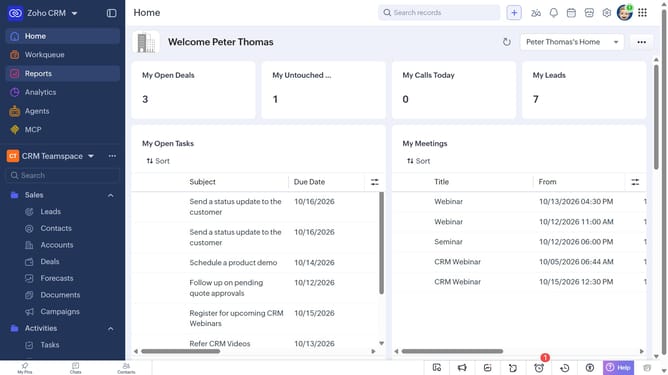
How to change the font to Roboto on Zoho CRM
Here is how to change the font to roboto on zoho crm
- First click on the settings icon in the top menu
- Next click on "Personal Settings" under the "General" section
- Click on the "Accessibility" tab
- After that, click on the "Vision" tab
- Then, locate the "Font" option
- Finally, select "Roboto" from the font options
Why should you How to change the font to Roboto on Zoho CRM
Zoho CRM is an intuitive platform designed to streamline and enhance customer relationship management for businesses of all sizes.
Changing the font to Roboto in Zoho CRM adds a modern touch to your interface, reflecting professionalism and clarity in client communications.
This feature not only ensures readability but also aligns with branding needs, making every interaction visually consistent and impactful.
By opting for Roboto, users enjoy an aesthetically pleasing experience that supports seamless navigation and improved focus on critical data.
Last update