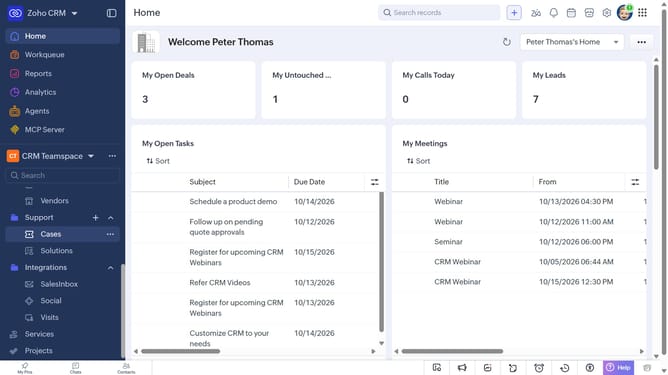
How to change the font on Zoho CRM
Here is how to change the font on zoho crm
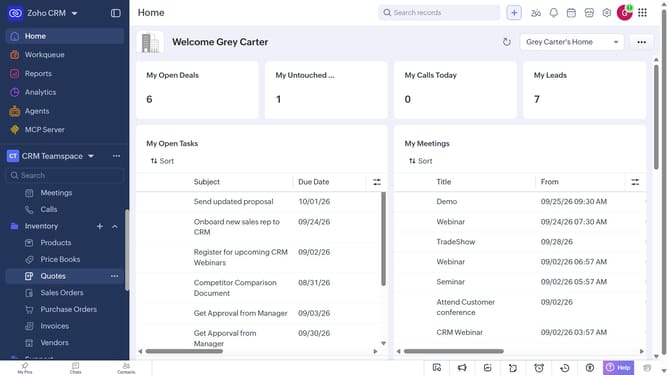
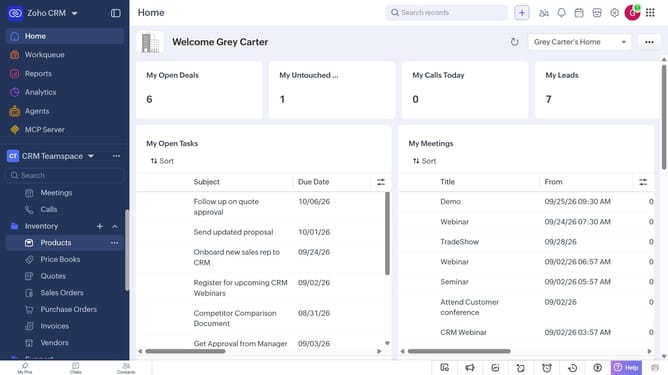
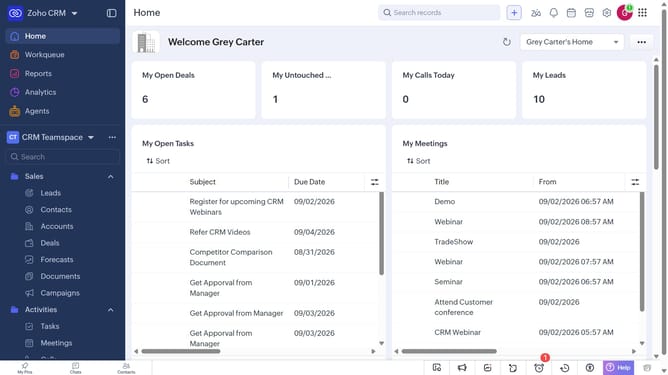
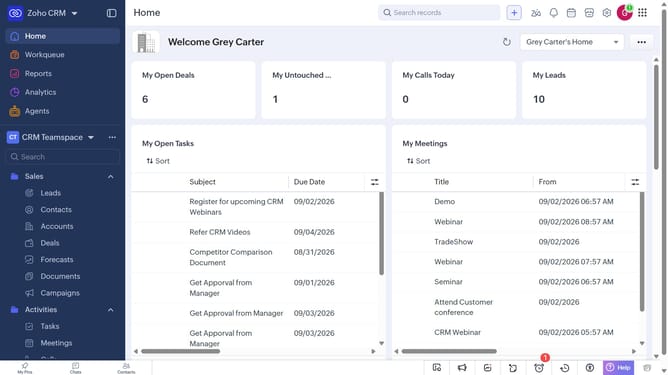
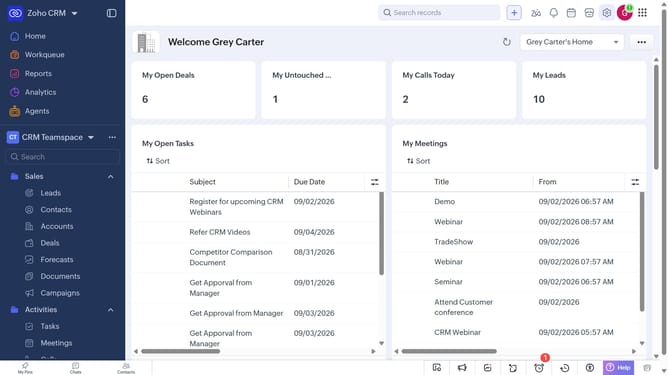
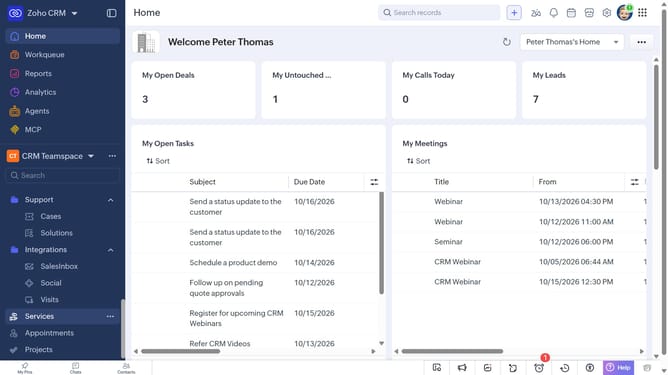
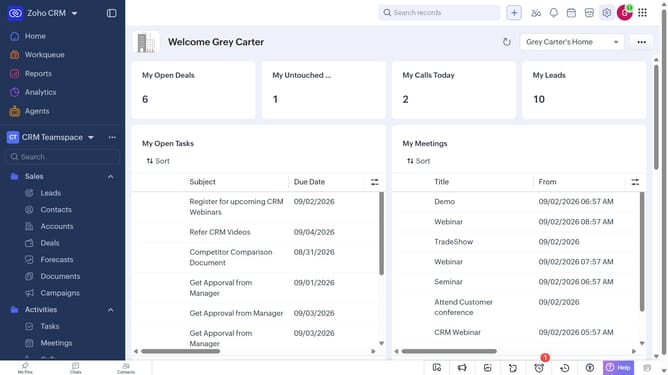
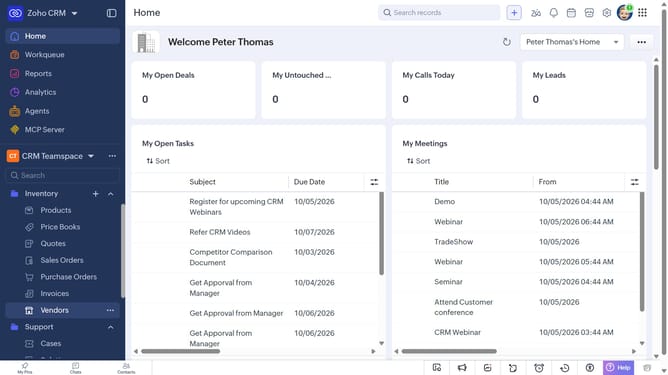
- First click on the settings icon in the top menu
- Next click on "Personal Settings" under the "General" section
- Click on the "Accessibility" tab
- After that, click on the "Vision" tab
- Then, locate the "Font" option
- Finally select the font you want to use
Why should you How to change the font on Zoho CRM
Zoho CRM is a dynamic platform designed to streamline customer relationship management with ease and efficiency.
Changing the font in Zoho CRM can significantly enhance your visual interaction, providing a customized look that aligns with your brand's identity.
By opting for a different font, users can improve readability and aesthetics, making daily tasks more enjoyable.
This flexibility not only personalizes user experience but also ensures consistency in communication, fostering better client engagement and satisfaction.
Last update