How it works
Here is a simple step-by-step guide on how to change the menu color in WordPress:
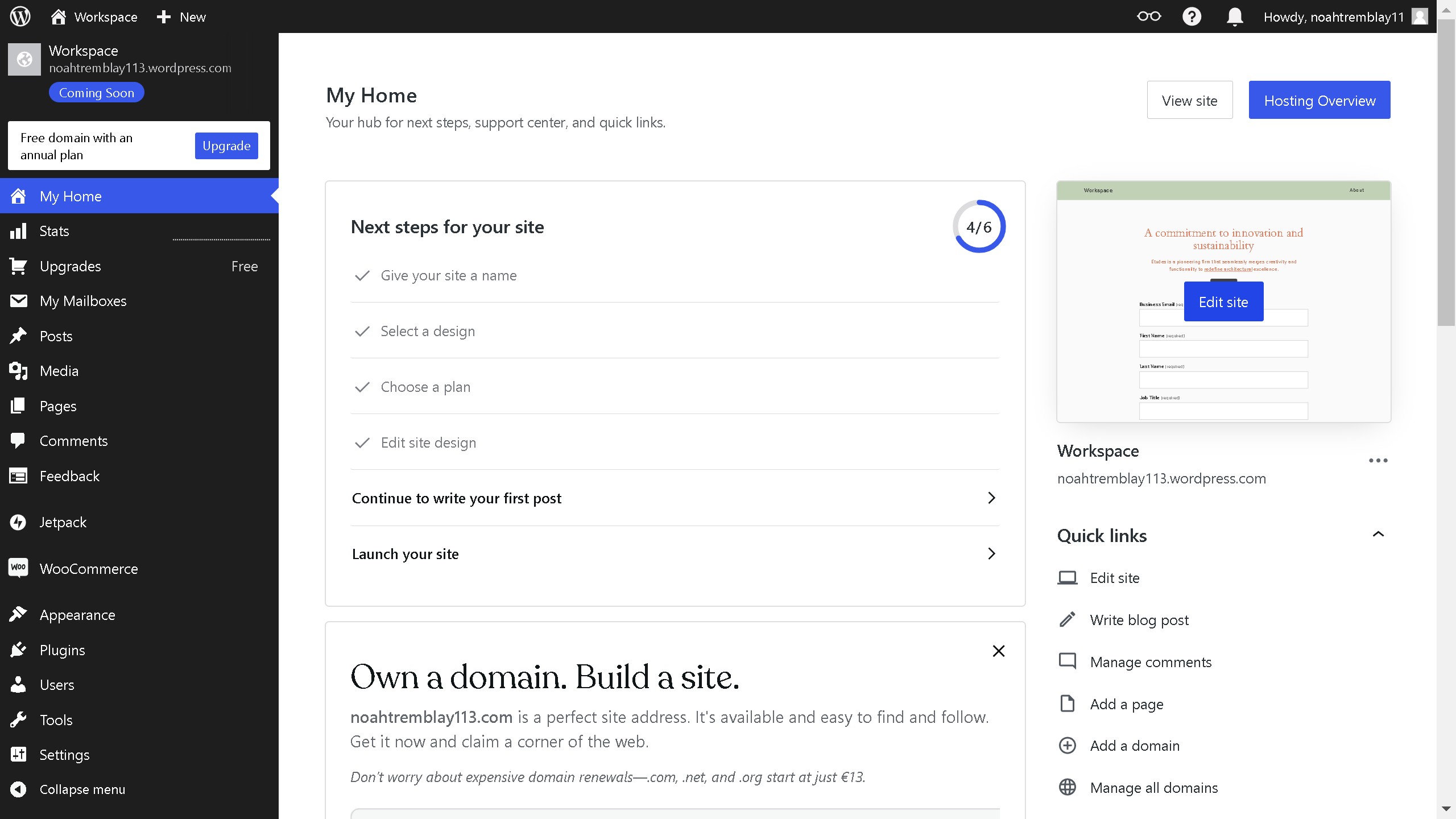
1. First click on the "Edit site" button in the main content area
2. Then click on the "Add Block" button in the top header navigation
3. Next click on "Styles" button in the right sidebar
4. Then click on the "Background" option in the Styles panel
5. Next select the color that best complements your design
6. Finally click on the "Save" button in the top toolbar.