How it works
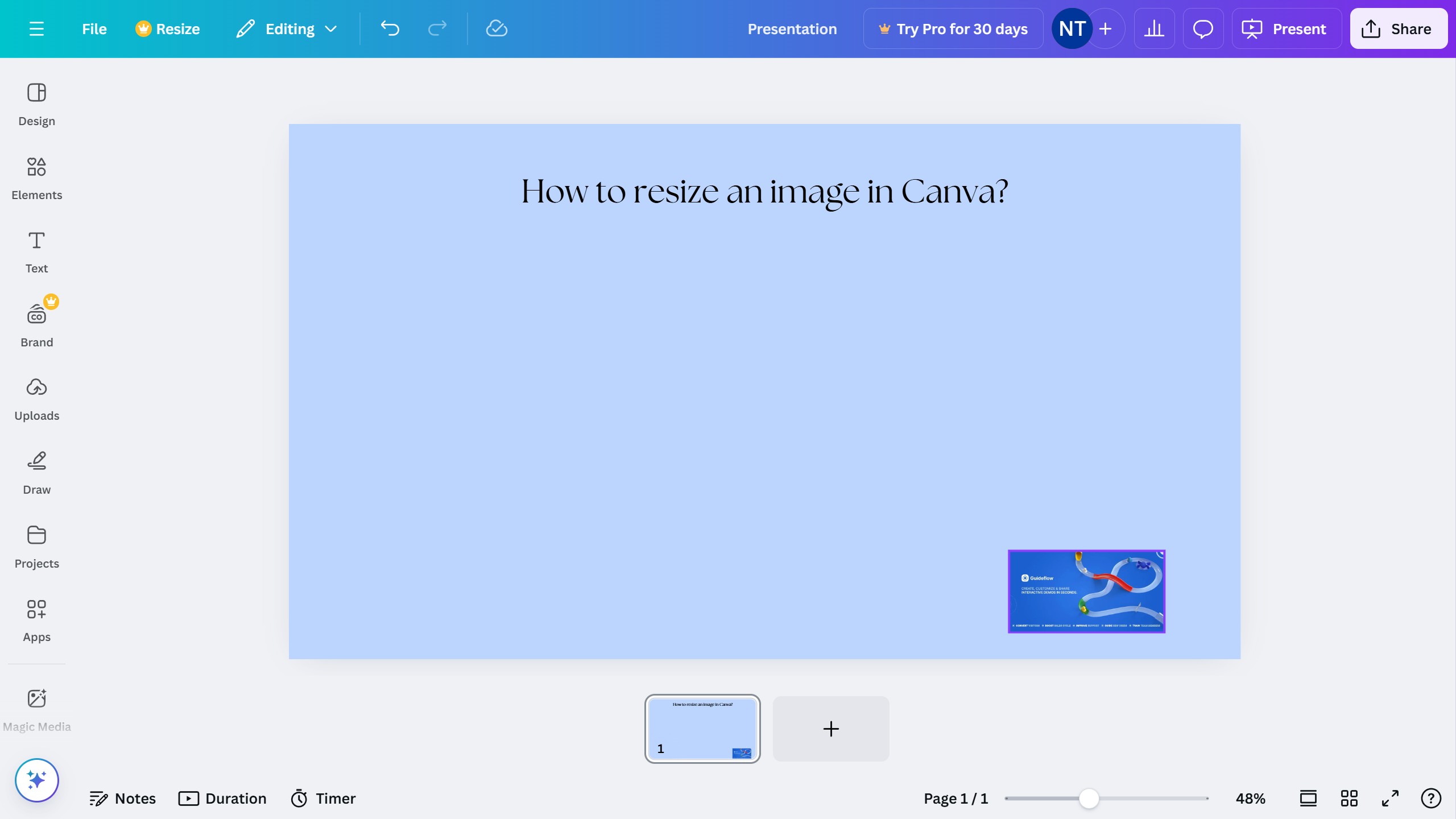
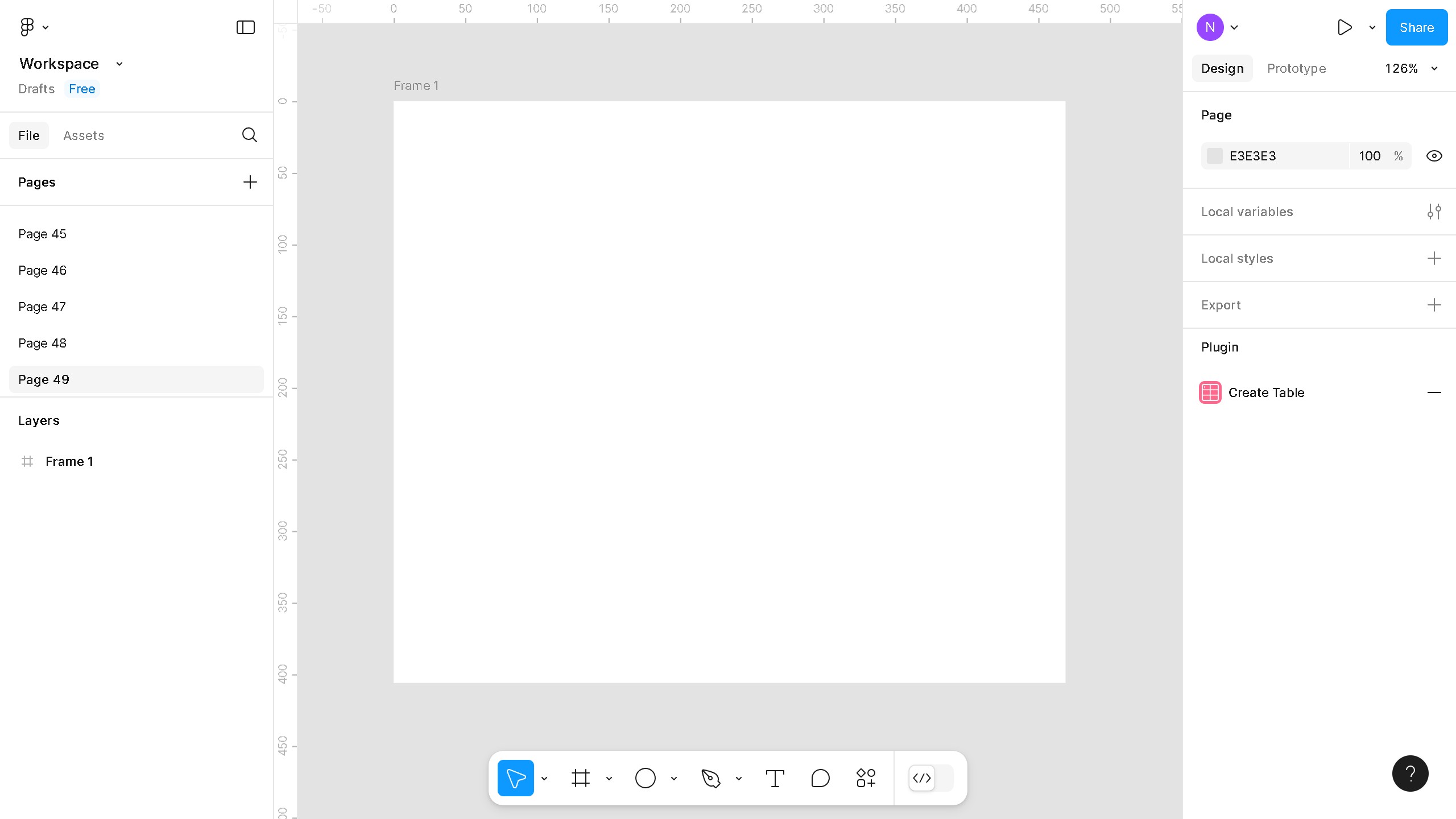
Here is a simple guide on how to change margins in Canva:
1. First click on the "File" button in the top menu bar
2. Then click on "Settings" option in the dropdown menu
3. Next click on "Show rulers and guides" option in the settings submenu
4. Click the ruler and bring it over to your Canva.