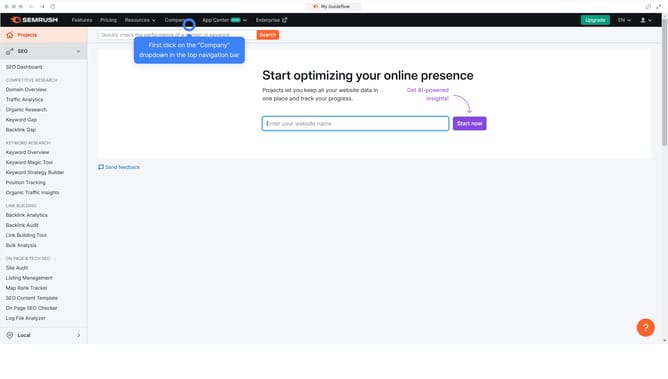
How to analyze featured snippet opportunities in Semrush
Here is how to analyze featured snippet opportunities in semrush
- First click on the "SEO" tab in the main navigation menu
- Then click on "Domain Overview" in the left sidebar menu
- Enter your domain in the domain input field
- Click the "Search" button to analyze the domain
- Scroll down to the "SERP features" section
- Click on the icon named "Featured Snippet" to open a filtered report
Why should you analyze featured snippet opportunities in Semrush
Semrush is a comprehensive digital marketing tool designed to enhance online visibility and content strategy.
Analyzing featured snippet opportunities with Semrush allows you to identify specific search queries where your content can capture the coveted position zero.
By harnessing this feature, you can strategically optimize your content, leading to increased traffic and enhanced credibility.
Using Semrush's analysis boosts your SEO efforts by targeting high-potential opportunities efficiently.
Last update