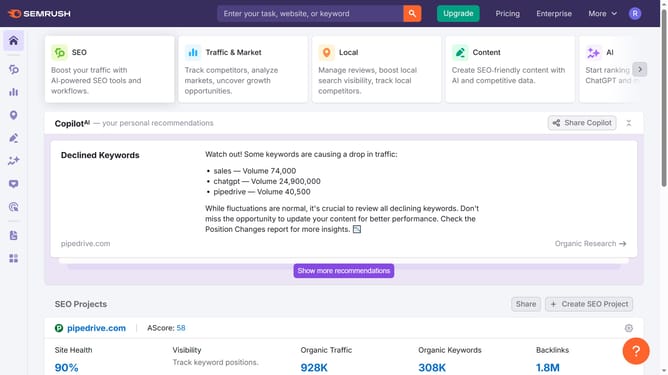
How to view navigational intent traffic in Semrush
Here is how to view navigational intent traffic in semrush
- First click on the "SEO" tab in the main navigation menu
- In the left-hand sidebar, click "Organic Research" under the "Competitive Research" section
- Enter your domain in the domain input field
- Click "Search" to open the Organic Research report
- Scroll down to the "Keywords by Intent" section
- Select "Navigational" to see traffic driven by navigational intent
Why should you view navigational intent traffic in Semrush
Semrush is a powerful tool designed to enhance your online visibility by delivering valuable insights into your digital marketing strategies.
Understanding navigational intent traffic through Semrush allows you to uncover which search terms are driving users directly to your brand-specific queries. This fine-tuned focus helps in evaluating your brand popularity and loyalty.
Leveraging this knowledge, you can optimize user experience and bolster conversion strategies, ensuring that potential customers efficiently reach their intended destinations on your site.
Last update