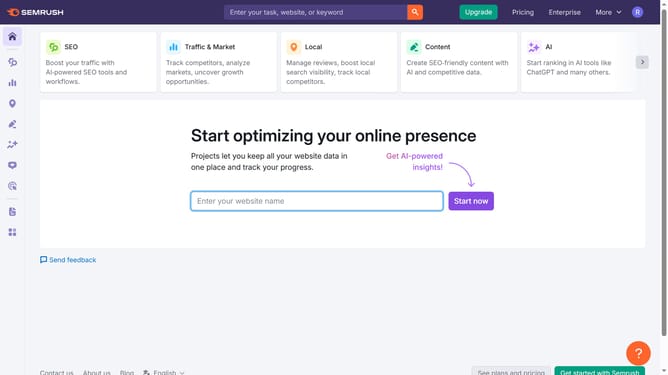
How to check referring domain trends in Semrush
Here is how to check referring domain trends in semrush
- First click on the "SEO" section in the left sidebar menu
- Then click on "Domain Overview" option in the left sidebar submenu
- Enter your domain in the domain input field
- Click the "Search" button to analyze the domain
- Scroll down to the "Referring Domains" graph showing historical trends
Why should you check referring domain trends in Semrush
Semrush is a leading online visibility management software that empowers users with insights into the digital landscape.
By checking referring domain trends in Semrush, you gain valuable insights on how different domains are contributing to your site's backlink profile over time.
Understanding these trends helps in identifying growth opportunities and areas for improvement, ultimately leading to better strategies for enhancing your SEO efforts.
Staying updated with referring domain trends equips you with the knowledge to optimize your link-building initiatives effectively.
Last update