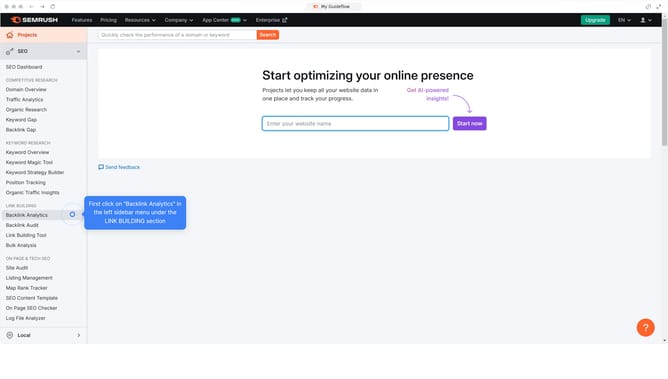
How to view informational intent keywords in Semrush
Here is how to view informational intent keywords in semrush
- First click on the "SEO" tab in the main navigation menu
- Then click on "Domain Overview" in the left sidebar menu
- Enter your domain in the domain input field
- Click the "Search" button to analyze the domain
- Scroll down to the "Keywords by Intent" section
- Click the percentage on the "Informational" to filter keywords by informational intent
Why should you view informational intent keywords in Semrush
Semrush is a comprehensive digital marketing platform designed to optimize online visibility and uncover marketing insights.
Unlocking informational intent keywords in Semrush helps identify what your audience is searching for, contributing to more relevant and engaging content.
This feature allows you to tailor your content strategy to answer popular questions and solve common problems, effectively driving organic traffic to your site.
By understanding and leveraging informational intent, you’re equipped to enhance user experience and increase your site's authority and relevance.
Last update