How to see mobile-unfriendly backlinks in Semrush
Here is how to see mobile-unfriendly backlinks in semrush
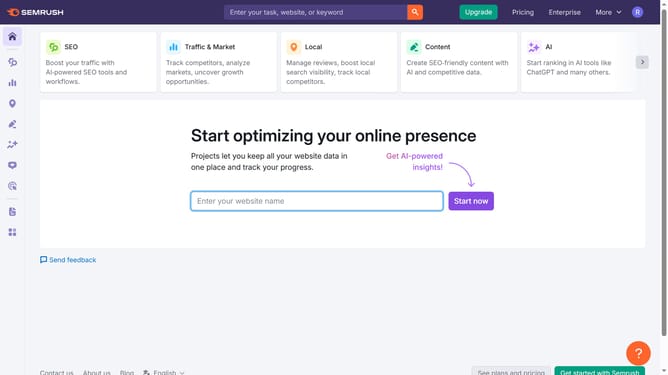
- First click on the "SEO" section in the left sidebar menu
- Then click on "Backlink Analytics" option in the left sidebar menu
- Next enter your domain in the domain input field at the top of the page
- Click the "Analyze" button to start the backlink analysis
- Click on the "Referring Domains" tab in the main content area
- Click the external link icon to open the website and check if it supports mobile responsiveness
Why should you see mobile-unfriendly backlinks in Semrush
Semrush is a powerful platform designed to turbocharge your digital marketing strategies.
Using Semrush, you can easily identify mobile-unfriendly backlinks, an essential feature for maintaining a robust and accessible web presence. Identifying these links ensures that your site maintains high standards across all devices, crucial in an increasingly mobile-first world.
By effectively managing your backlinks through Semrush, you enhance user experience, drive more traffic, and boost your search engine rankings, keeping your site at the forefront of digital excellence.
Last update