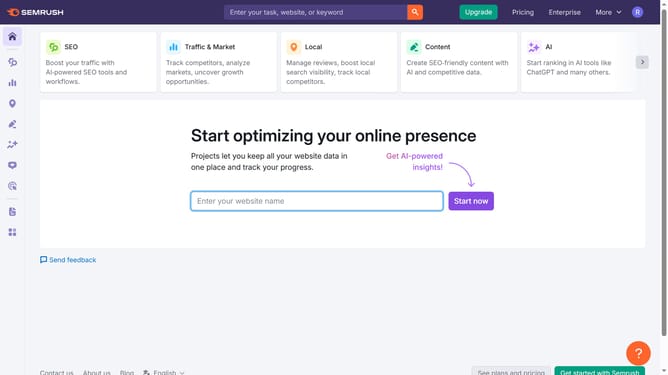
How to navigate to domain overview in Semrush
Here is how to navigate to domain overview in semrush
- First click on the "SEO" section in the left sidebar menu
- Then click on "Domain Overview" option in the left sidebar submenu
- Enter your domain in the domain input field
- Click the "Search" button to analyze the domain
- Finally you'll view the domain overview where the traffic, keyword, and backlink data are
Why should you navigate to domain overview in Semrush
Semrush is a dynamic digital marketing tool designed to elevate your online presence.
To navigate to the Domain Overview feature in Semrush, simply start by searching within the platform's intuitive interface. This section provides quick insights into any website's performance, allowing you to effortlessly assess critical metrics like traffic, top keywords, and backlinks.
Using the Domain Overview feature is essential for strategizing your digital marketing efforts. It enables you to understand industry benchmarks and competitor standing, ultimately guiding you toward data-driven decisions for optimizing your site’s performance.
Last update