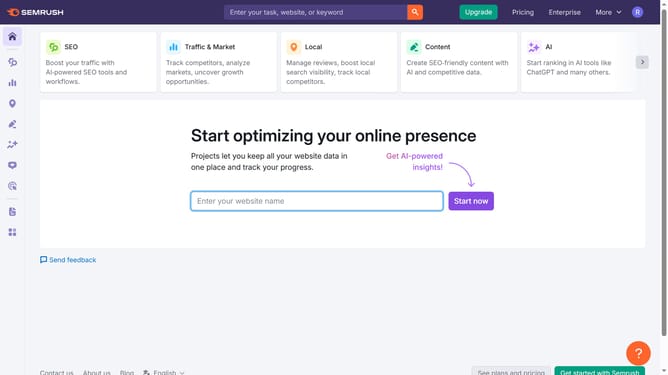
How to find the traffic graph by country for a competitor in Semrush
Here is how to find the traffic graph by country for a competitor in semrush
- First click on the "SEO" tab in the main navigation menu
- Then click on "Domain Overview" in the left sidebar menu
- Enter your domain in the domain input field
- Click the "Search" button to analyze the domain
- Scroll down to the geographic distribution section on the overview page
- Click "Compare" in that section to open the full traffic breakdown by country
Why should you find the traffic graph by country for a competitor in Semrush
Semrush is a powerful tool designed to enhance online marketing strategies through in-depth competitor analysis and SEO insights.
One standout feature of Semrush is its ability to generate a traffic graph by country for any competitor. This feature is ideal for marketers and businesses looking to understand geographical dynamics, as it provides a visual representation of where a competitor's traffic originates.
By utilizing this feature, users can identify potential markets to explore and optimize their strategies for specific regions, ultimately boosting their global reach and effectiveness.
Last update