How to check Semrush domain rank in Semrush
Here is how to check semrush domain rank in semrush
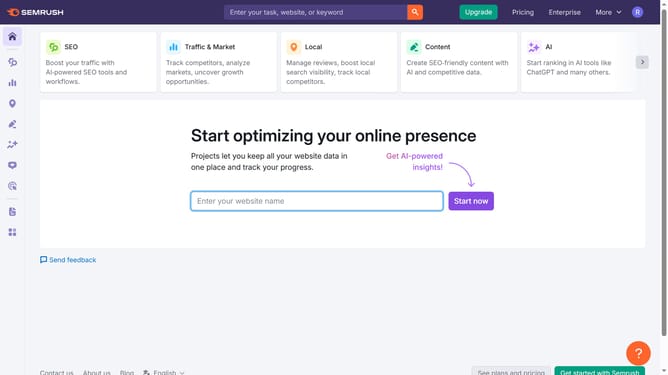
- First click on the "SEO" section in the main navigation menu
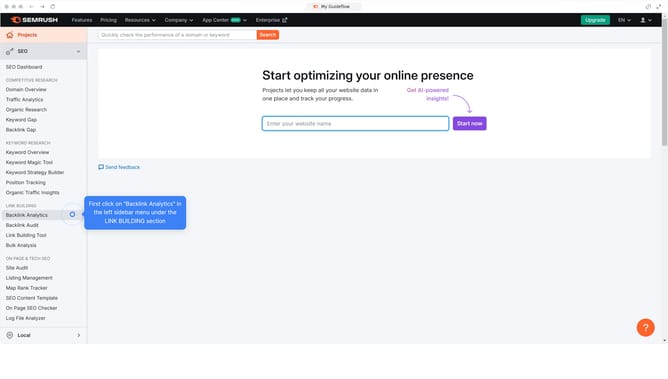
- Then click on "Domain Overview" option in the left sidebar menu
- Enter the domain you want to analyze in the search bar at the top.
- Click the "Search" button to generate results
- Here you'll find the "Semrush Domain Rank"
Why should you check Semrush domain rank in Semrush
Semrush is a powerful online tool designed to enhance digital marketing strategies by providing comprehensive analytics and insights.
Checking your domain rank in Semrush offers a quick overview of your website's performance relative to competitors in search engine results.
This feature helps identify strengths and weaknesses in your SEO strategy, enabling refined tactics that amplify visibility and impact.
Regular tracking of domain rank supports informed decision-making, aligning marketing goals with measurable outcomes for sustained growth.
Last update