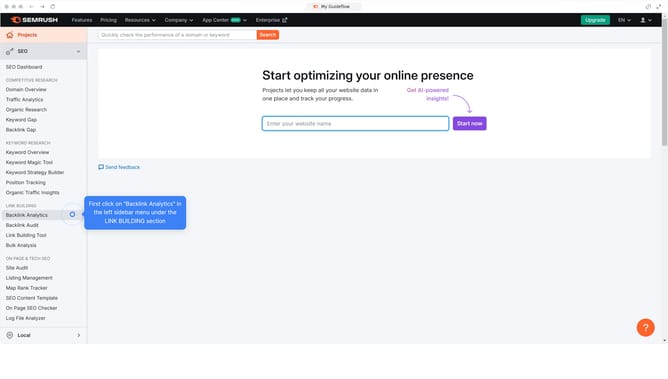
How to compare competitor commercial keywords in Semrush
Here is how to compare competitor commercial keywords in semrush
- First click on the "SEO" section in the left sidebar menu
- Then click on "Domain Overview" option in the left sidebar submenu
- Enter your domain in the domain input field
- Click the "Search" button to analyze the domain
- Scroll down to the "Top Keywords" section
- Click "View all" to proceed
- Click the dropdown on the "Intent" and select "Commercial" to compare the list of commercial keywords your competitor ranks
Why should you compare competitor commercial keywords in Semrush
Semrush is a powerful tool designed for enhancing your digital marketing efforts through detailed analytics and data.
One of its standout features is the ability to compare competitor commercial keywords.
This comparison allows businesses to understand the strategies of their competitors, fostering opportunities to refine their own keyword approach.
By analyzing competitor keywords with Semrush, users can identify gaps in their own strategy, potentially capturing missed opportunities and optimizing their campaign effectiveness.
Last update