How to update date range in Semrush
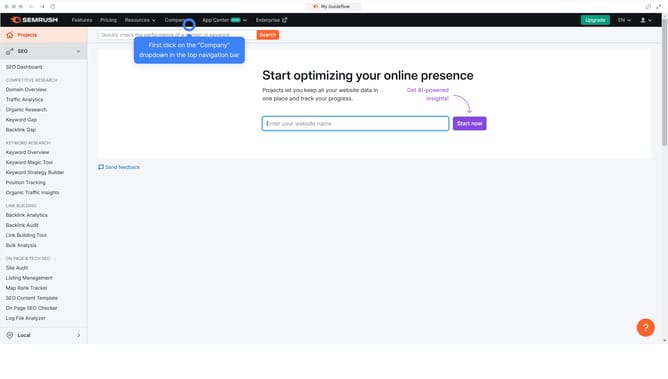
Here is how to update date range in semrush
- First click on the "SEO" section in the left sidebar menu
- Then click on "Domain Overview" option in the left sidebar submenu
- Enter your domain in the domain input field
- Click the "Search" button to analyze the domain
- Click the date range dropdown to set a custom range
Why should you update date range in Semrush
Semrush is a comprehensive tool designed to empower digital marketing efforts with insights and analytics.
The ability to update the date range in Semrush enhances the flexibility of data analysis by allowing users to focus on specific timeframes.
This feature provides a clearer picture of how trends, traffic, and rankings have changed over different periods.
By tailoring reports to distinct date ranges, users can make more informed decisions, spot emerging patterns, and effectively strategize their SEO efforts.
Last update