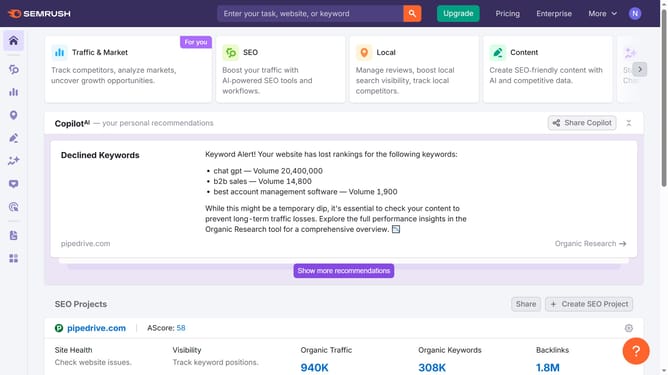
How to analyze traffic percentage in Semrush
Here is how to analyze traffic percentage in semrush
- First click on the "SEO" section in the left sidebar menu
- Then click on "Domain Overview" option in the left sidebar submenu
- Enter your domain in the domain input field
- Click the "Search" button to analyze the domain
- Scroll to the Traffic analytics section on the overview page
- Hover over each country to view its share of traffic percentage
Why should you analyze traffic percentage in Semrush
Semrush is a powerful tool designed to enhance your digital marketing strategy through comprehensive SEO solutions.
Analyzing traffic percentage in Semrush offers a clear view of which sources drive traffic to your website, enabling you to understand audience behavior better.
By examining these metrics, businesses can tailor their marketing strategies, improving resource allocation and maximizing return on investment.
This insightful analysis empowers decision-makers to make data-driven choices and stay competitive in the ever-evolving digital landscape.
Last update