How to check nofollow backlinks in Semrush
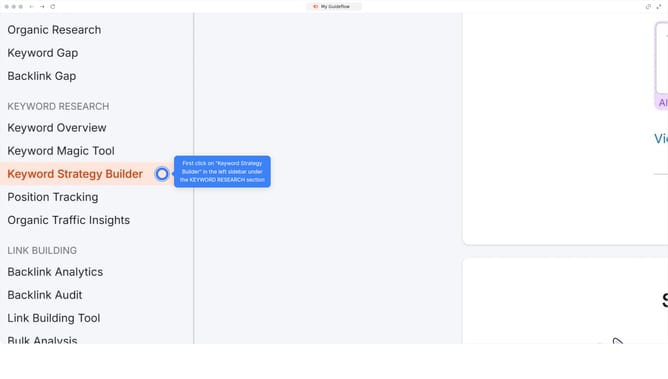
Here is how to check nofollow backlinks in semrush
- First click on the "SEO" section in the left sidebar menu
- Then click on "Backlink Analytics" option in the left sidebar menu
- Next enter your domain in the domain input field at the top of the page
- Click the "Analyze" button to start the backlink analysis
- Click on the "Backlinks" tab in the main content area
- Click the "Nofollow" filter to display only nofollow backlinks
Why should you check nofollow backlinks in Semrush
Semrush is a powerful tool designed to boost your digital marketing efforts by providing insightful data and analytics.
Knowing how to check nofollow backlinks with Semrush is essential for understanding your link profile and differentiating the influence between different link types.
By identifying nofollow backlinks, you gain insight into which links contribute directly to your page rank, helping you focus on strategies that drive meaningful SEO results.
This feature empowers you to refine your backlink strategy and improve your website's visibility effectively.
Last update