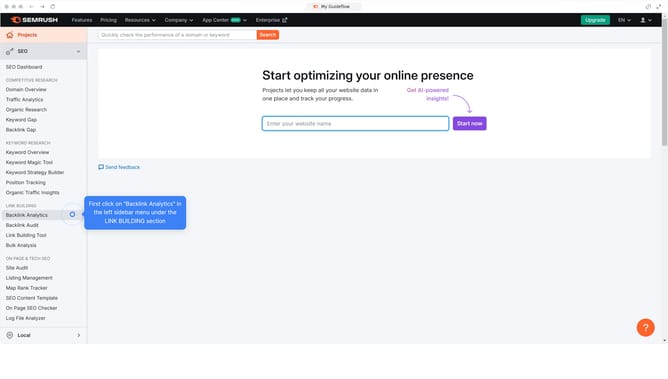
How to find the keyword graph by country for your site in Semrush
Here is how to find the keyword graph by country for your site in semrush
- First click on the "SEO" section in the main navigation menu
- Then click on "Organic Research" in the left sidebar menu
- Enter your domain in the domain search field
- Click the "Search" button to analyze the domain
- Select "Positions" tab in the results overview
- Click on the "..." button to expand the country selection dropdown
- Select a country of your choice
- Scroll down to view the keyword trends graph filtered by the selected country
Why should you find the keyword graph by country for your site in Semrush
Semrush is a comprehensive tool designed to enhance your digital marketing efforts by providing invaluable insights.
One of its standout features is the ability to view the keyword graph by country for your site. This feature provides tailored information relevant to specific geographical areas, helping you refine your SEO strategy precisely where needed.
Discovering which keywords perform best in each market allows you to optimize content more effectively, engage international audiences, and ultimately drive targeted traffic to your site.
By leveraging this feature, you tap into local SEO potential, maximize visibility, and strengthen your global presence.
Last update