How to check commercial traffic in Semrush
Here is how to check commercial traffic in semrush
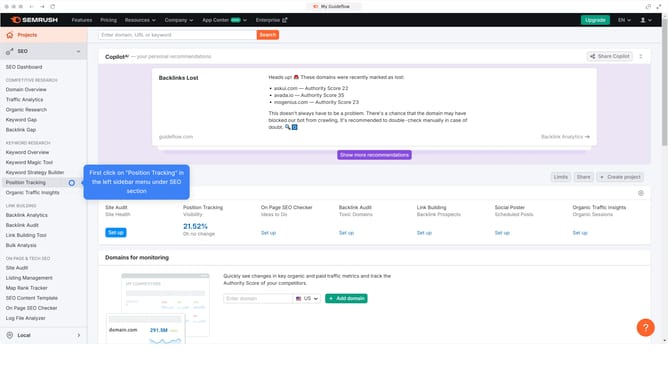
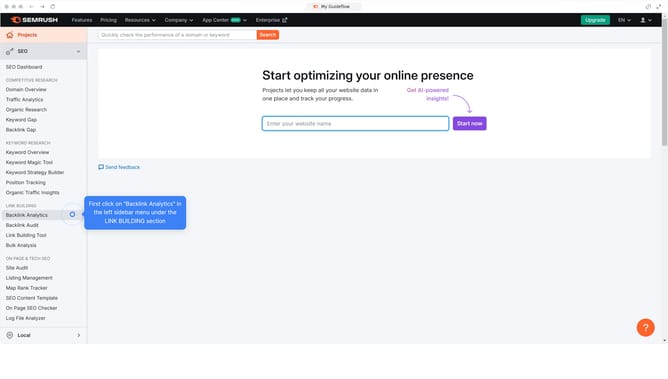
- First click on the "SEO" section in the main navigation menu
- Then click on "Domain Overview" in the left sidebar menu
- Enter your domain in the domain search field
- Click the "Search" button to analyze the domain
- Scroll down to the "Top Organic Keywords" section
- Click "View details" to proceed
- Click the dropdown on the "Intent" section and select "Commercial" to filter keywords with commercial intent
Why should you check commercial traffic in Semrush
Semrush is a powerful tool designed to enhance online visibility and uncover marketing insights.
A distinct feature is its ability to assess commercial traffic, offering users a glimpse into the flow of potential customers visiting their site and competitors’ platforms.
By analyzing commercial traffic, businesses can refine their marketing strategies and prioritize their most lucrative channels.
Understanding this traffic component is pivotal for businesses striving to gain a competitive edge and optimize conversion efforts.
Last update