How to find lost backlinks in Semrush
Here is how to find lost backlinks in semrush
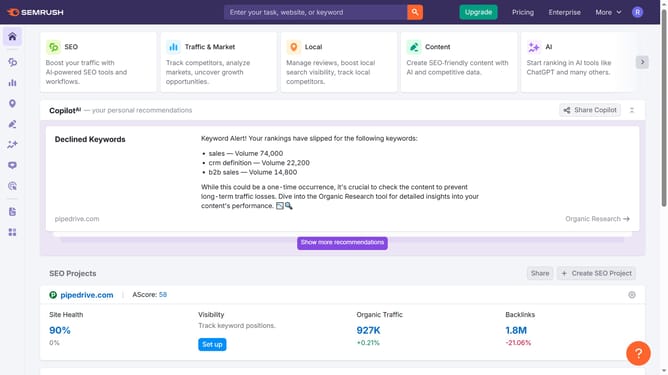
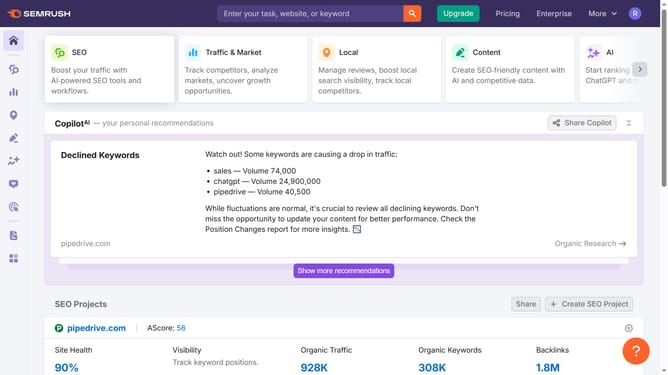
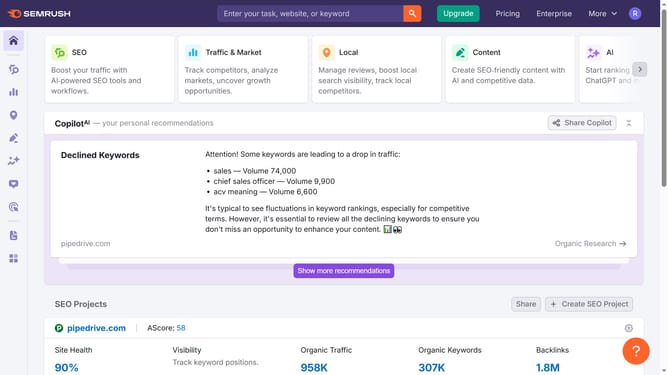
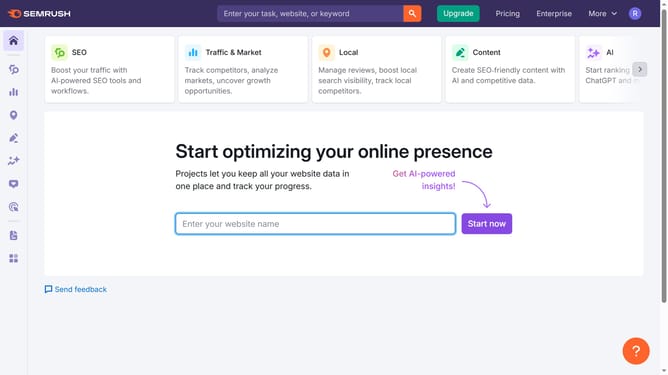
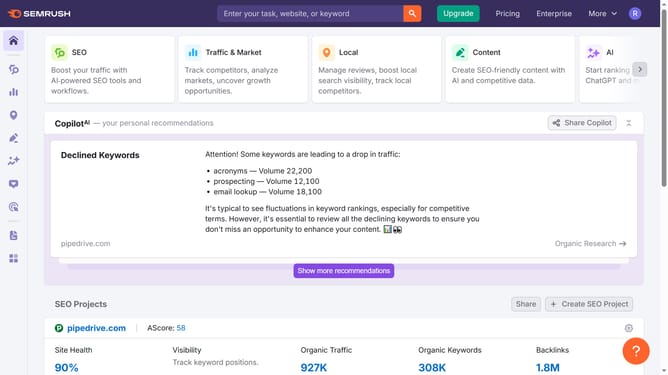
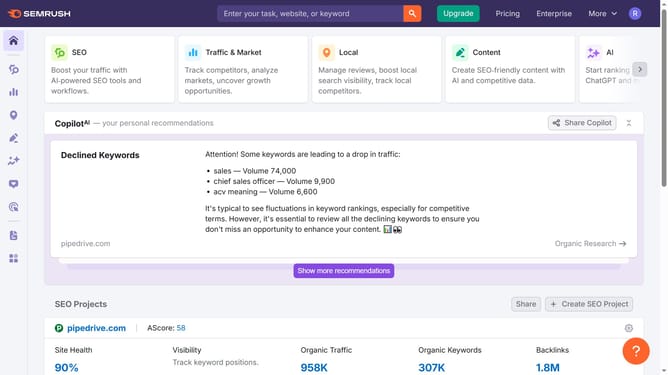
- First click on the "SEO" tile in the main dashboard section to access SEO tools and features
- Then select "Backlink Analytics" option from the left sidebar menu under the Link Building section
- In the Backlink Analytics tool, click on the URL input field to enter a domain for analysis
- Click the "Analyze" button to start the backlink analysis
- Go to the "Backlinks" tab to view the latest incoming links
- Finally click on the "Lost" filter tab in the backlinks results section to view lost backlinks
Why should you find lost backlinks in Semrush
Semrush is a comprehensive digital marketing toolkit designed to elevate your online presence.
Finding lost backlinks in Semrush is a breeze, offering you crucial insights into your digital reach. This feature provides a concise view of which backlinks you've lost, helping you to investigate and re-establish valuable connections.
Leveraging this feature empowers you to maintain your site's link health, improving your site's authority and visibility. It's an indispensable asset for sustaining an effective SEO strategy and maximizing your online impact.
Last update