How to view backlink trends in Semrush
Here is how to view backlink trends in semrush
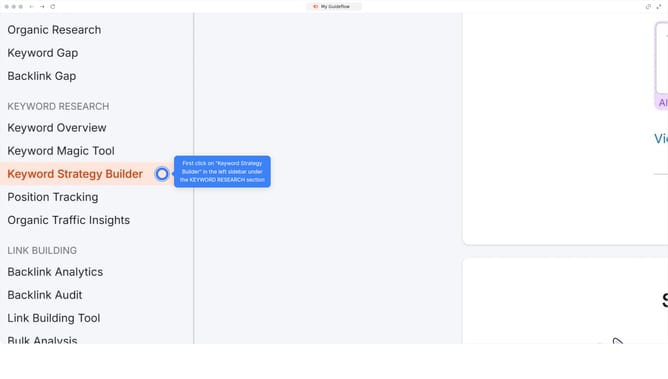
- First click on the "SEO" section in the left sidebar menu
- Then click on "Domain Overview" option in the left sidebar submenu
- Enter your domain in the domain input field
- Click the "Search" button to analyze the domain
- Scroll down to the "Backlinks" section of the page showing backlinks trend over time
Why should you view backlink trends in Semrush
Semrush is a comprehensive digital marketing tool designed to empower businesses in enhancing their online visibility.
Viewing backlink trends in Semrush allows users to understand the growth and decline of their inbound links over time.
This feature is invaluable for gauging the health and effectiveness of your online presence. By analyzing these trends, you can identify successful strategies and areas in need of improvement.
Ultimately, staying on top of backlink trends ensures you maintain a competitive edge in your digital marketing efforts.
Last update